1
Voice Control
DVD Changer
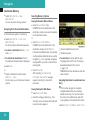
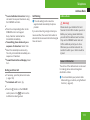
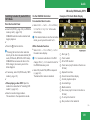
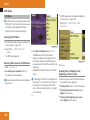
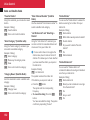
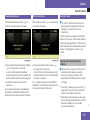
t All voice tags have been deleted from
the station list
u The system permanently deletes all
voice tags in the station list.
or
s No
The system reads out the list of stations.
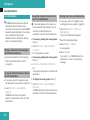
When the system reads out the stations to be
deleted:
X Press the ! button.
The station to be deleted is selected. The
system reads out the selected station
again.
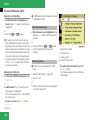
t Do you want to delete “Favorite
station”?
s Yes
t Station deleted
u The system deletes the station and
reads out the remaining entries in the
station list.
or
s No
The system continues to read out the list of
stations.
DVD Changer
G Warning
Please devote your attention first and
foremost to the traffic situation you are in.
Before your journey, please familiarize
yourself with the radio and disc functions.
Only use the Voice Control System when
road and traffic conditions permit you to do
so. Otherwise you could be involved in an
accident in which you or others could be
injured.
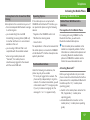
Operation
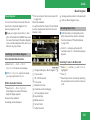
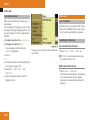
You can use voice control to:
Rselect a CD/DVD
X
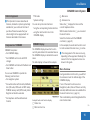
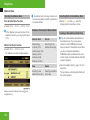
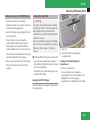
To select the CD application: Press
the ! button.
X Say one of the following commands:
R“CD player/CD changer”
R“DVD
audio”
R“DVD
video”
R“MP3”
X
X
Press the ! button.
Give one of the CD or DVD commands
explained below.
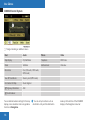
Commands
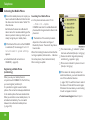
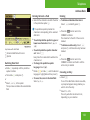
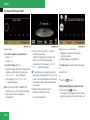
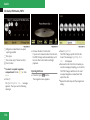
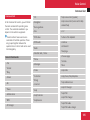
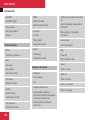
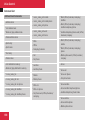
“Help CD”/“Help DVD”/“Help MP3”
Rselect
a track
With the commands:
R“Help CD”
Rselect
a directory in MP3 operation
R“Help
DVD audio”
a group in Audio DVD operation
R“Help
DVD video”
R“Help
MP3”
Rselect
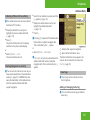
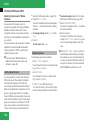
i On the command “Next/previous CD/
DVD”, the DVD changer changes from one
CD/ DVD to the next, skipping any empty
compartments. If you select an empty
compartment with the “CD/DVD 1 to CD/
DVD 6” command, the current
compartment remains selected.
you can have all the commands for the CD,
DVD or MP3 read out.
Z
183