1
At a Glance
Operating COMAND
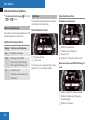
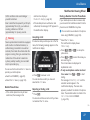
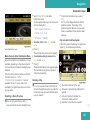
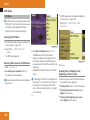
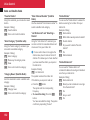
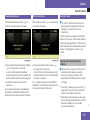
If a call is connected, the phone book entry
appears in the multifunction display.
or
X
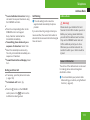
If there is more than one number for a
particular name: Press s or # to
display the numbers.
X Press % or $ to select the number
you want to dial.
X Press s or # to start dialing.
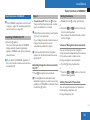
The message Connecting Call and the
selected number appear in the
multifunction display. The name also
appears, provided it is stored in the phone
book. The selected number is stored in the
Calls Dialed list in COMAND.
If a call is connected, the phone book entry
appears in the multifunction display.
i To exit the phone book without making a
call, press the t button. Phone ready
appears in the multifunction display.
i If you press and hold the % or $
button for more than one second, a rapid
scroll begins. After four seconds, the rapid
scroll speeds up. The rapid scroll stops
when you release the button or reach the
end of the list.
28
Redialing
Operating COMAND
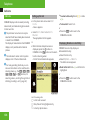
COMAND saves the most recently dialled
names and numbers from the mobile phone.
This means that you do not have to search
through the entire phone book.
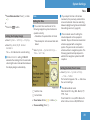
Opening Menu of a Main Function
X
Select the Tel menu.
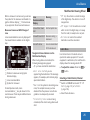
The multifunction display shows
Phone ready.
X Press s to go to the most recently
dialed number or name in the
Calls Dialed menu.
X Press % or $ to select the number
or name you are looking for.
X Press s or # to start dialing.
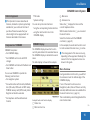
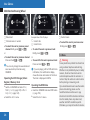
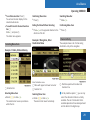
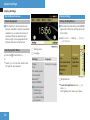
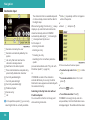
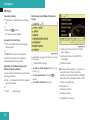
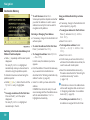
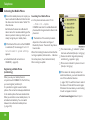
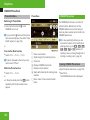
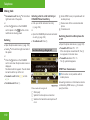
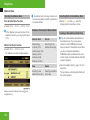
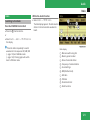
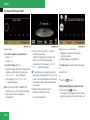
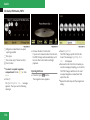
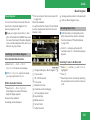
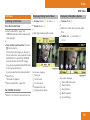
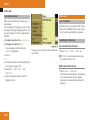
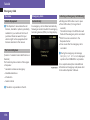
Example: Audio Menu
Within the Audio Function
1 Main function line
2 Audio menu
3 The symbol R indicates current
operating mode.
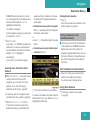
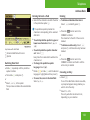
X
To switch to main function line 1:
Slide qm.
X To select audio main function:
Rotate ymz or slide omp.