1
System Settings
Time
X
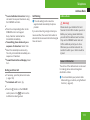
To confirm selection: Press n or slide
om.
or
X
Press the í button.
Time
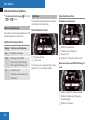
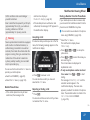
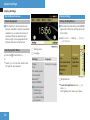
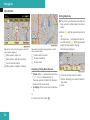
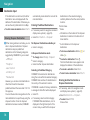
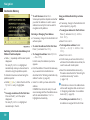
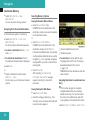
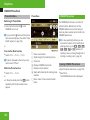
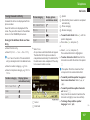
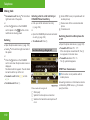
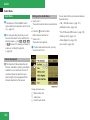
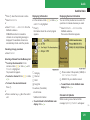
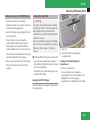
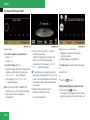
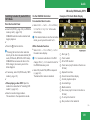
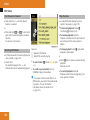
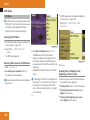
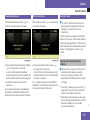
Select System£Settings£Display.
X
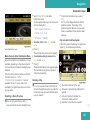
Select Day mode, Night mode or
Automatic.
The R dot indicates the current setting.
increments, the previously selected time
zone and automatic time-zone switching
between daylight saving time and standard
time settings are lost (Y page 40).
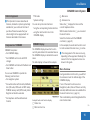
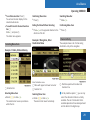
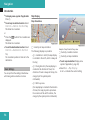
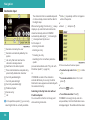
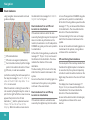
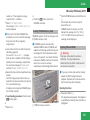
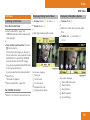
Setting the Time
i The correct time must be set for the
following navigation system functions to
operate correctly:
RCalculation of expected time of arrival
Setting the Display Design
X
i If you adjust the time in 30-minute
i The increment value for setting the
minutes depends on the equipment
installed. They are 30-minute increments in
vehicles equipped with a navigation
system. They are minute increments in
vehicles without a navigation system. The
following operational steps depend on
whether the navigation system has GPS
reception.
RTime
stamps for calls received and calls
dialed
X
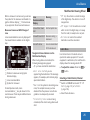
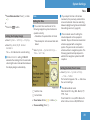
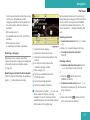
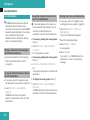
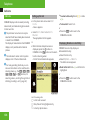
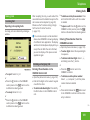
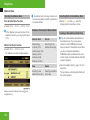
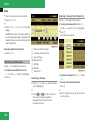
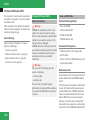
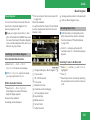
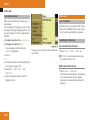
Select System£System Settings£
Time£Set Time.
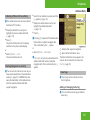
i In the Automatic setting, COMAND
evaluates the readings from the automatic
vehicle light sensor and switches between
the display designs automatically.
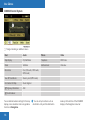
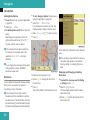
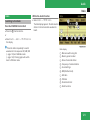
Setting the Date/Time Format
X
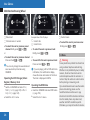
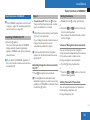
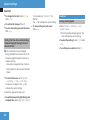
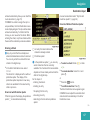
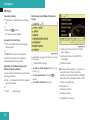
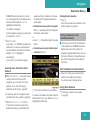
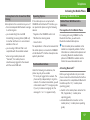
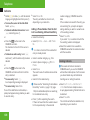
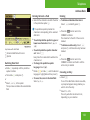
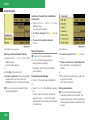
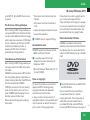
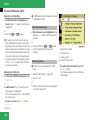
Select System£System settings
£Time£Format.
The format list appears. The R dots show
the current settings.
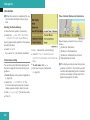
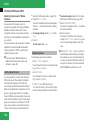
i The abbreviations mean:
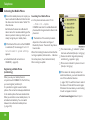
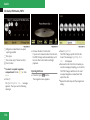
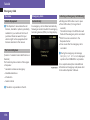
1 Sets the time
2 Current date
X
To set value: Rotate ymz or slide qmr.
X
To save setting: Press n.
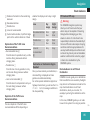
Date format: DD - Day, MM - Month, YY/
YYYY - Year
Time format: HH - Hour, MM - Minute for
either 24-hour clock or AM/PM format
Z
39