1
UPS Maintenance
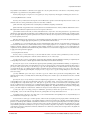
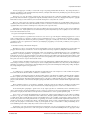
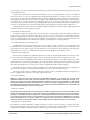
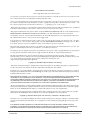
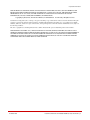
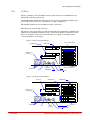
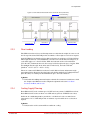
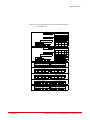
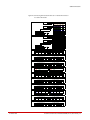
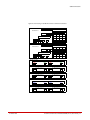
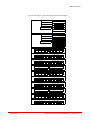
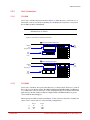
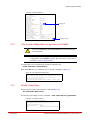
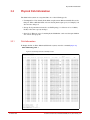
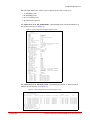
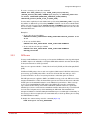
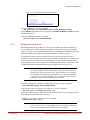
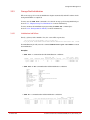
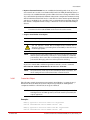
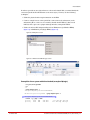
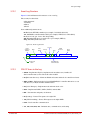
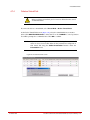
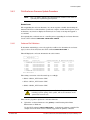
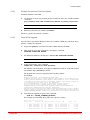
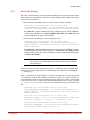
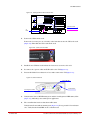
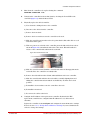
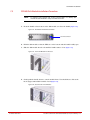
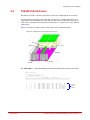
Figure 176. Controller Front Panel LEDs
Fault LED
Power Button/
Indicator
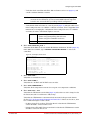
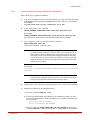
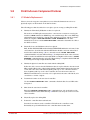
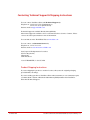
10. Initialize the UPS battery life remaining feature:
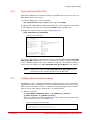
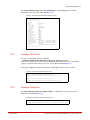
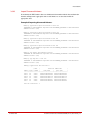
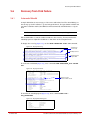
a) Login to the controller that is connected to the new UPS and issue the command:
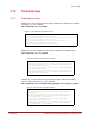
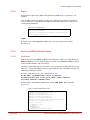
SHOW UPS * ALL
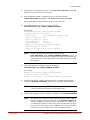
b) If a battery manufacturing date is displayed, do nothing more. However, if the
battery manufacturing date and life remaining are not available as shown below,
proceed to Step c.
Battery Mfg. Date: NOT AVAILABLE
Battery Life Remaining: NOT AVAILABLE
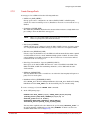
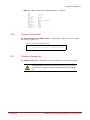
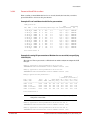
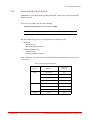
c) Issue the command CLEAR CONTROLLER LOCAL UPS_HISTORY. Then issue the
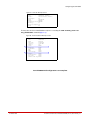
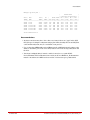
command SHOW UPS * ALL and you should see output similar to the following:
Battery Mfg. Date: Thu Sep 8 4:10:30 2011
Battery Life Remaining: 730 days
!
Warning
96-00259-001
The CLEAR CONTROLLER UPS_HISTORY command should
only be used after receiving a new backup battery or UPS.
Entering this command at any other time will inadvertently
extend the life cycle of a bad/unknown battery.
DataDirect Networks SFA10000/10000E (V1.4.2) User Guide | 154