1
Presentations
4.9.1
Presentation Menu
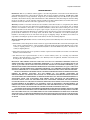
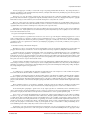
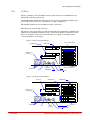
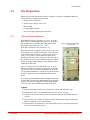
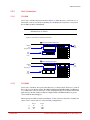
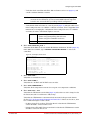
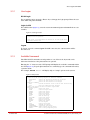
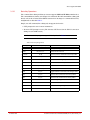
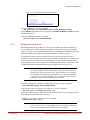
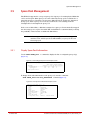
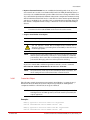
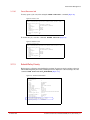
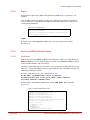
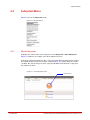
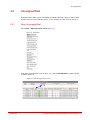
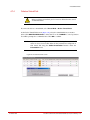
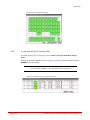
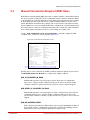
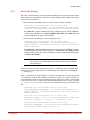
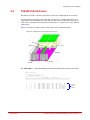
Figure 156 shows the Presentation pull down menu.
Figure 156. Presentation Menu
4.9.2
Show Presentations
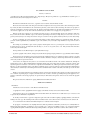
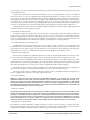
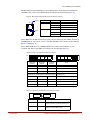
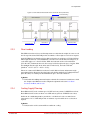
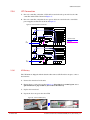
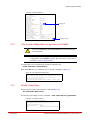
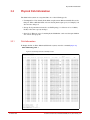
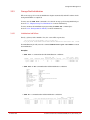
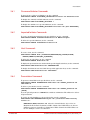
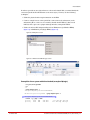
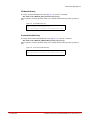
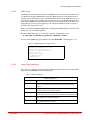
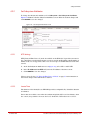
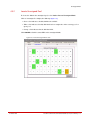
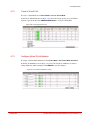
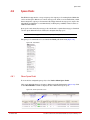
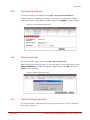
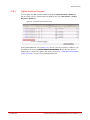
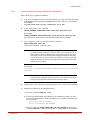
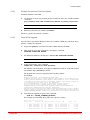
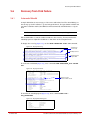
To display the list of configured presentations (Figure 157), select Presentation > Show
Presentations.
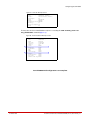
Figure 157. Show Presentations Screen
4.9.3
Set Up a Presentation
4.9.3.1
Create a Host
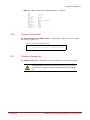
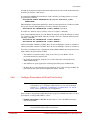
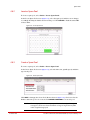
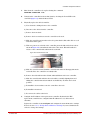
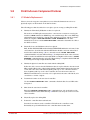
1. Select Presentation > Create Host.
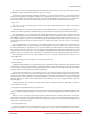
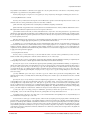
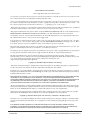
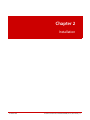
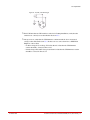
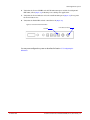
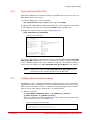
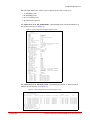
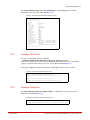
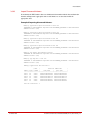
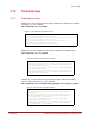
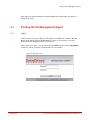
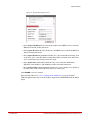
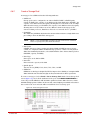
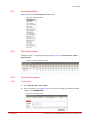
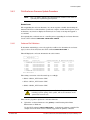
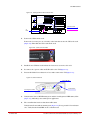
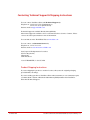
2. At the Create Host screen (Figure 158), enter a host name and specify the Stack and OS
attributes. Click CREATE HOST.
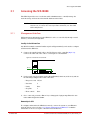
Figure 158. Create Host Screen
96-00259-001
DataDirect Networks SFA10000/10000E (V1.4.2) User Guide | 126