1
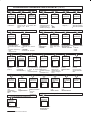
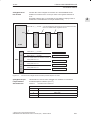
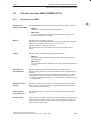
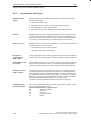
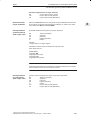
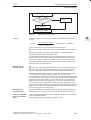
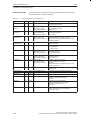
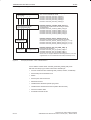
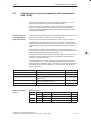
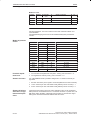
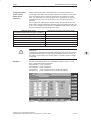
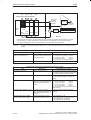
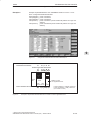
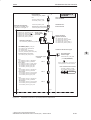
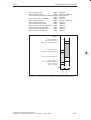
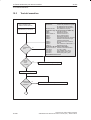
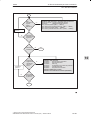
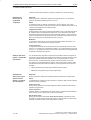
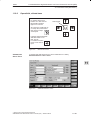
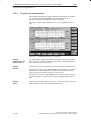
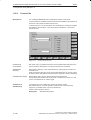
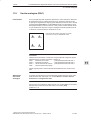
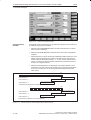
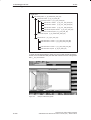
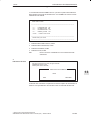
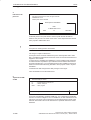
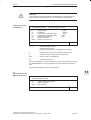
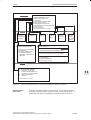
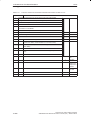
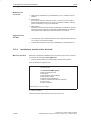
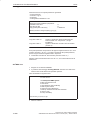
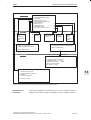
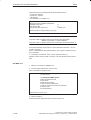
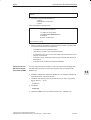
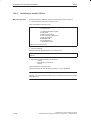
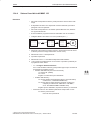
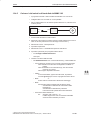
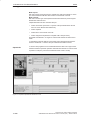
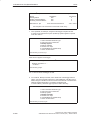
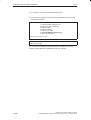
13 Sostituzione di software/hardware 13.3 Aggiornamento software MMC 102/103 12.95 PLEASE SELECT: Basic menu 1 Install/Update MMC System 2 MMC Configuration Tool 3 DOS Shell 4 Start Windows (Service Mode) 5 MMC System Check 6 Reboot System (Warmboot) 7 Backup/Restore with Valitek Streamer 8 Start PC Link 9 End (Load MMC) Your Choice [1,2,3,4,5,6,7,8,9] ? Level 1 5 3 Start DOS command interpreter 2 6 SCANDISK MMC CONFIGURATION 9 REBOOT 4 Viene richiamato il Tool MMC Configuration. Con menu guidato vengono consentite le modifiche – della Task–Configuration e – dei file INI 8 Start of MMC 7 Start PC Link Software Backup/ Restore with Valitek Streamer PLEASE SELECT: MMC103 1 Standard Windows (without MMC2–drivers) WINDOWS 2 Windows (changing Environment for MMC2) 3 MMC2 with last saved Environment 4 Original MMC2 5 Return to Main Menu Your Choice [1,2,3,4,5]? Level 2 1 PLEASE SELECT MEDIUM: 1 Install from Floppy Disk 2 Install via Serial/Parallel Line 3 Install from VALITEK Streamer 4 Return to Main Menu 5 REBOOT 13 Your Choice [1,2,3,4,5,] ? Figura 13-2 Panoramica dell’operatività per il caricamento del software e l’attivazione del sistema Attivazione del menu base Accendere il controllo numerico. Premere il tasto ”6” non appena appare il messaggio ”Starting MS-DOS” oppure, dal SW 2, ”Starting Windows 95”. La tabella seguente chiarisce nel dettaglio le possibilità di utilizzo del menu. Siemens AG 1999 All Rights Reserved SINUMERIK 810D Manuale di messa in servizio (IAC) – Edizione 08.99 13-261