1
Manuel de l'administrateur OfficeScan
3.
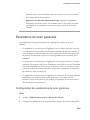
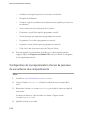
Pour les clients OfficeScan exécutant Windows Server 2003 ou Windows
Server 2008 :
a.
Sélectionnez un client dans l'arborescence client.
b.
Cliquez sur Paramètres > Paramètres des services complémentaires.
c.
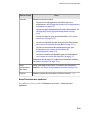
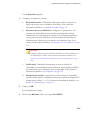
Cochez ou décochez la case dans les sections suivantes :
d.
•
Service de prévention des modifications non autorisées
•
Service de pare-feu
•
Service de protection des données
Cliquez sur Enregistrer.
Utilisation de Trend Micro Performance Tuning Tool
Tâche
1.
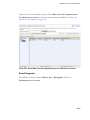
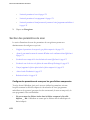
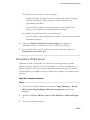
Téléchargez Trend Micro Performance Tuning Tool à partir de :
http://solutionfile.trendmicro.com/solutionfile/1054312/EN/
TMPerfTool_2_90_1131.zip
2.
Décompressez TMPerfTool.zip pour extraire TMPerfTool.exe.
3.
Placez TMPerfTool.exe dans le <Dossier d'installation du client> ou dans le même
dossier que TMBMCLI.dll.
4.
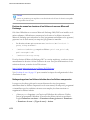
Cliquez avec le bouton droit de la souris sur TMPerfTool.exe et sélectionnez
Exécuter en tant qu'administrateur.
5.
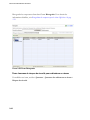
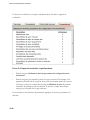
Lisez et acceptez le contrat de licence utilisateur final puis cliquez sur OK.
6.
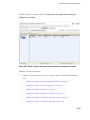
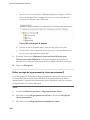
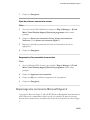
Cliquez sur Analyser.
13-10