1
Chapter 1 Basics
View the user manual.
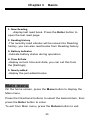
Onscreen keyboard
Use the onscreen keyboard as shown below to enter
text.
To enter text, use the directional buttons to select the text on
screen keyboard, then press the Enter button at the panel.
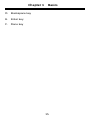
A. Numeric/punctuation/ symbol key
B. Input method key
C. Space key
14