1
FINAL DRAFT
260 - Panels
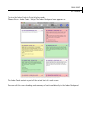
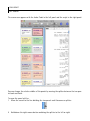
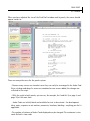
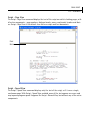
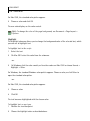
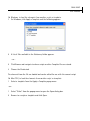
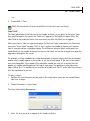
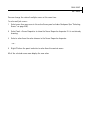
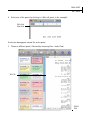
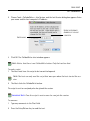
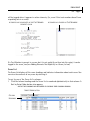
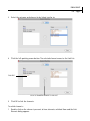
An indication appears, showing you where the new scenes will be dropped if you release the
mouse button.
3
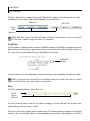
Release the mouse button.
The selection moves to the desired location. The other scenes shuffle to reflect the new order.
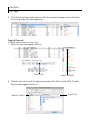
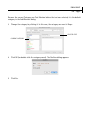
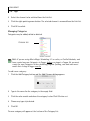
You can also rearrange scenes with the standard Cut, Copy, Clear and Paste commands
available in the edit menu. The Clear command removes all the selected scenes. The Cut
command removes the selected scenes and puts them on the clipboard (Windows) or
pasteboard (Mac OS X). The Copy command puts the selected scenes on the clipboard or
pasteboard but does not remove them from the script. The Paste command inserts the scenes
on the clipboard/pasteboard after the current scene (which is the last scene you selected).
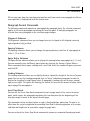
Keyboard Navigation
You can use the keyboard to navigate among the scenes in the Scene panel or Index Card panel
just as you can in the Script panel for words and characters.
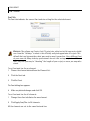
NOTE
NOTE
Definition: If you have selected multiple scenes, then the current scene is the last scene
that you added to the selection, and the anchor scene is the first scene that you
selected.
When we refer to extending the selection, we mean that you change the current scene
to the scene indicated, then select all the scenes in between the anchor scene and the
current scene (including both) and un-select all other scenes.
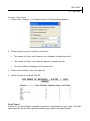
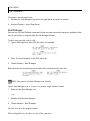
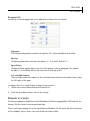
Arrow Keys
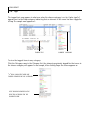
The Left Arrow key selects the scene immediately to the left of the current scene, and the Right
Arrow key selects the scene immediately to the right of the current scene.
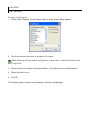
The Shift + Right Arrow key combination extends the selection one scene to the right. The
Shift + Left Arrow extends the selection one scene to the left.
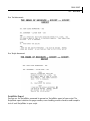
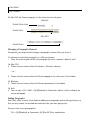
On Mac OS X, when the Scroll keys mimic MS Word preference is unchecked, the Command +
Right Arrow key combination selects the last scene in the current row (the row that the current
scene is in) and typing Command + Left Arrow selects the first scene in the current row.
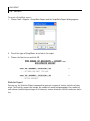
The Up Arrow key selects the scene one row up. In other words, typing the Up Arrow key selects
the scene in the same column as the current scene in the previous row. Similarly, the Down
Arrow key selects the scene one row down.