1
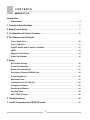
CONTENTS
DATECS DPP-350
Introduction
Main features ........................................................................................................................ 4
1. Technical Specifications .................................................................................................. 5
2. Safety Instructions .............................................................................................................. 7
3. Confirmation of Carton Contents.....................................................................9
4. Part Names and Functions
Front / Right View............................................................................................................... 10
Front / Left View ................................................................................................................. 11
ON/OFF button and LF button Functions........................................................................ 12
LEDS .................................................................................................................................... 13
Magnetic Card Reader ....................................................................................................... 14
Smart Card Reader............................................................................................................. 15
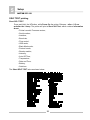
5. Setup
DIP Switch Settings ........................................................................................................... 16
Printer Configuration ......................................................................................................... 17
Memory Switches Setup.................................................................................................... 18
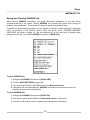
Saving and Clearing PAIRING Info................................................................................... 19
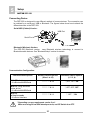
Connecting Device ............................................................................................................. 20
Bluetooth Setup.................................................................................................................. 21
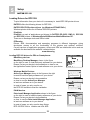
Loading Drivers for DPP-350 ............................................................................................ 22
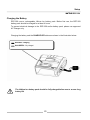
Charging the Battery.......................................................................................................... 23
Replacing the Battery ........................................................................................................ 24
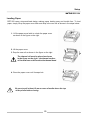
Loading Paper .................................................................................................................... 25
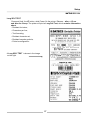
SELF TEST Printing ........................................................................................................... 26
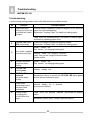
6. Troubleshooting................................................................................................................. 28
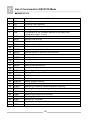
7. List of Commands for ESC/POS mode ..................................................................... 29
3