1
AMESim 4.2
User Manual
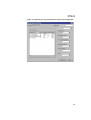
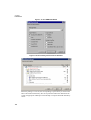
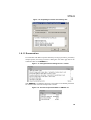
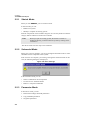
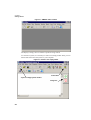
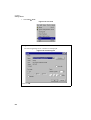
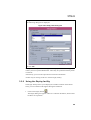
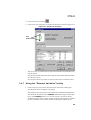
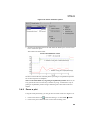
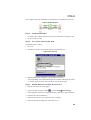
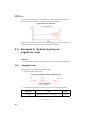
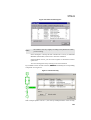
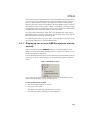
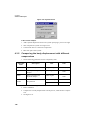
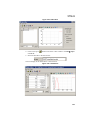
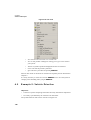
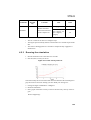
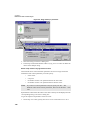
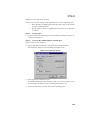
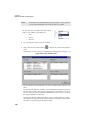
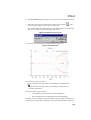
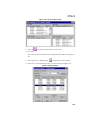
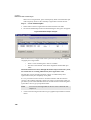
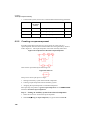
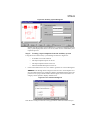
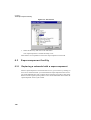
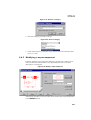
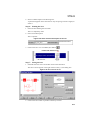
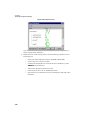
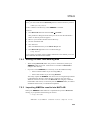
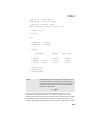
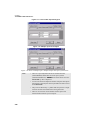
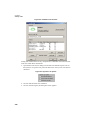
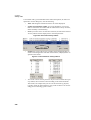
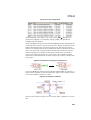
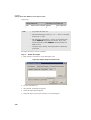
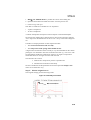
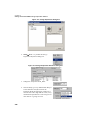
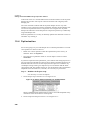
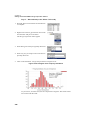
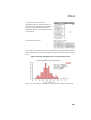
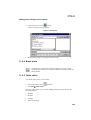
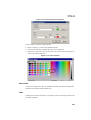
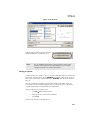
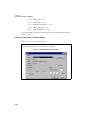
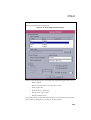
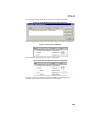
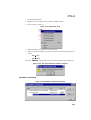
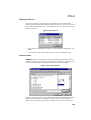
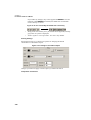
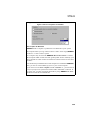
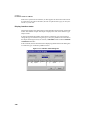
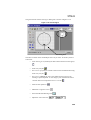
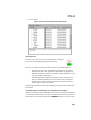
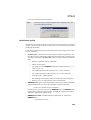
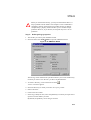
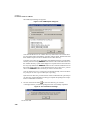
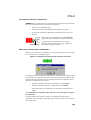
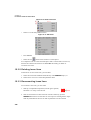
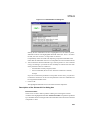
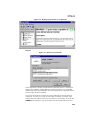
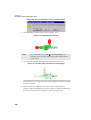
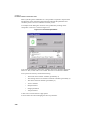
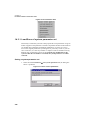
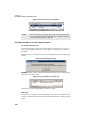
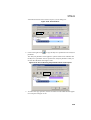
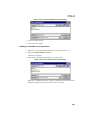
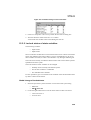
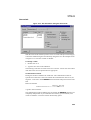
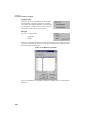
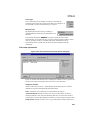
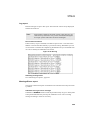
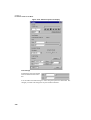
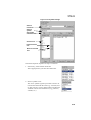
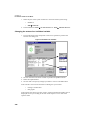
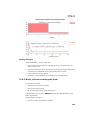
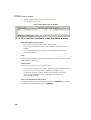
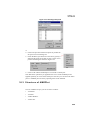
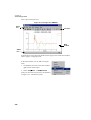
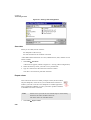
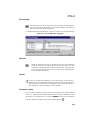
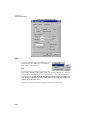
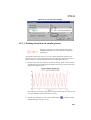
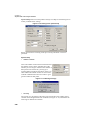
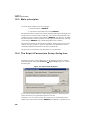
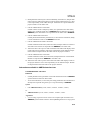
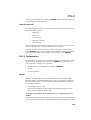
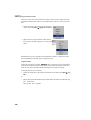
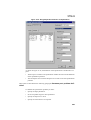
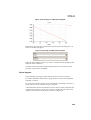
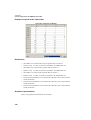
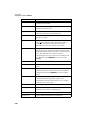
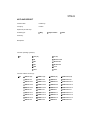
Figure 4.2: State count dialog box
Note:
The numbers will vary slightly according to the platform on which
you are running.
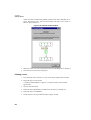
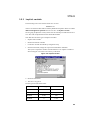
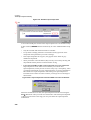
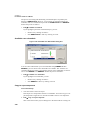
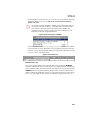
In this example it is mostly the state variable wheel velocity in submodel
MAS002 (Wheel Mass) which slows down the simulation.
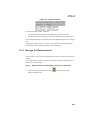
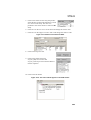
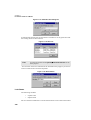
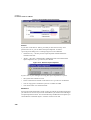
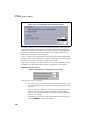
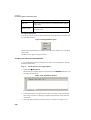
If the simulation is slow, you can click on Update or check the Automatic
update box.
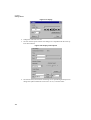
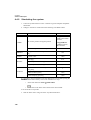
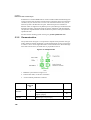
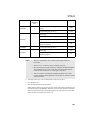
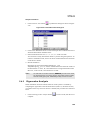
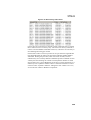
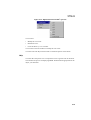
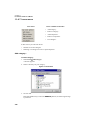
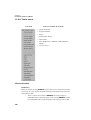
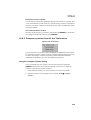
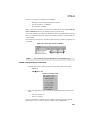
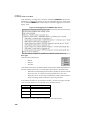
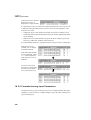
You can rearrange the list by clicking on the Controlled tab.
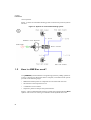
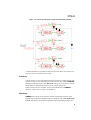
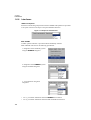
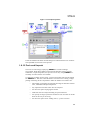
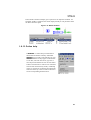
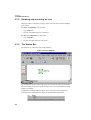
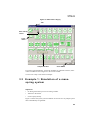
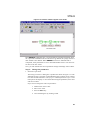
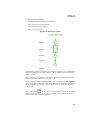
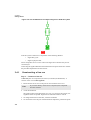
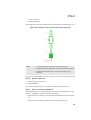
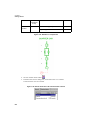
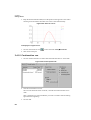
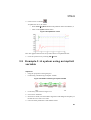
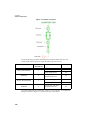
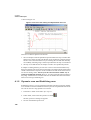
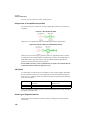
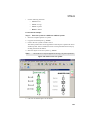
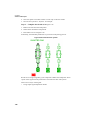
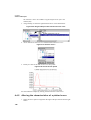
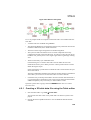
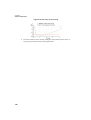
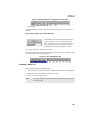
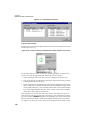
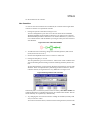
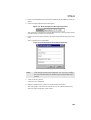
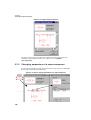
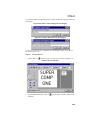
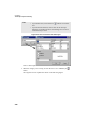
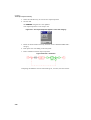
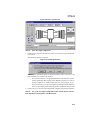
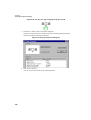
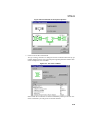
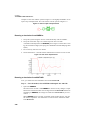
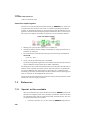
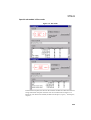
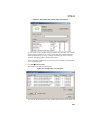
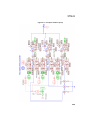
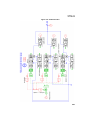
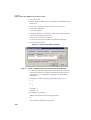
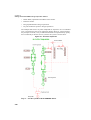
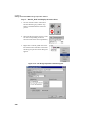
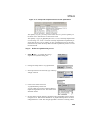
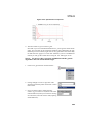
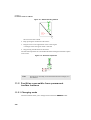
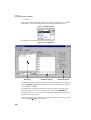
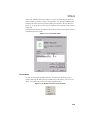
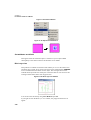
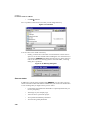
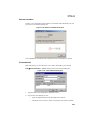
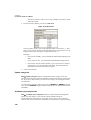
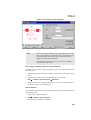
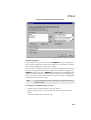
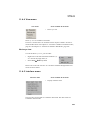
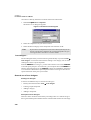
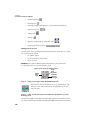
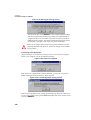
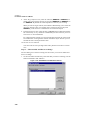
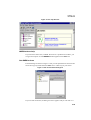
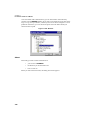
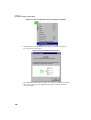
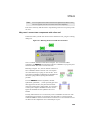
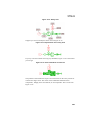
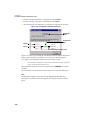
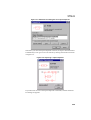
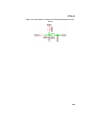
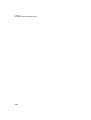
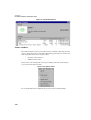
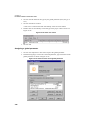
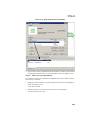
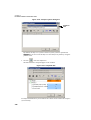
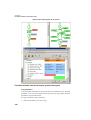
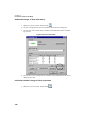
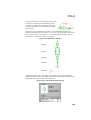
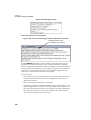
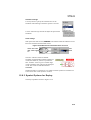
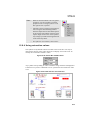
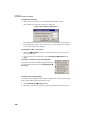
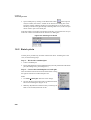
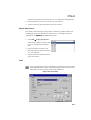
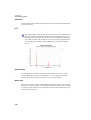
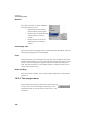
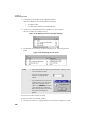
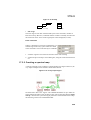
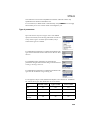
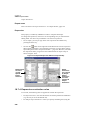
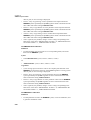
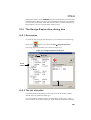
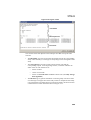
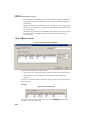
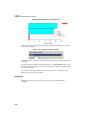
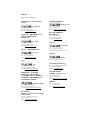
If you double click on an item in the list, AMESim will identify the corresponding
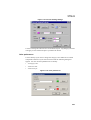
component as in Figure 4.3.
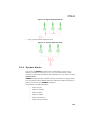
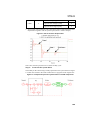
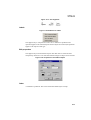
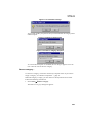
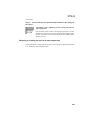
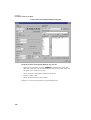
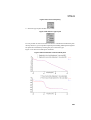
Figure 4.3: Search facility
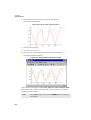
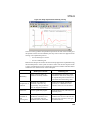
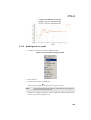
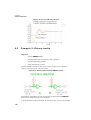
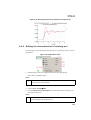
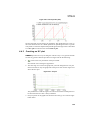
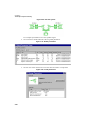
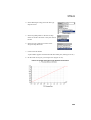
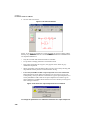
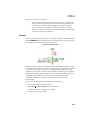
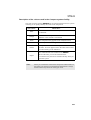
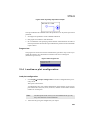
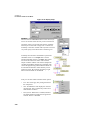
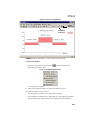
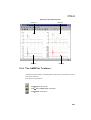
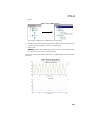
With a simple dynamic run for 5 s, the velocity and displacement of the car body
101