1
Page • 460
Air Pollution MISKAM
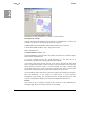
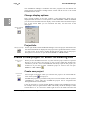
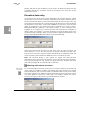
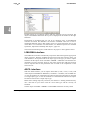
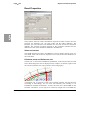
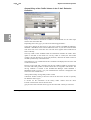
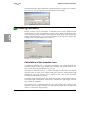
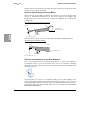
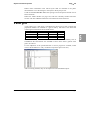
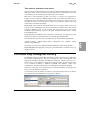
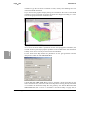
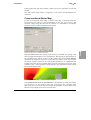
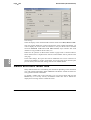
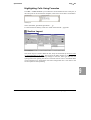
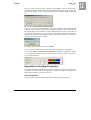
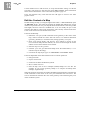
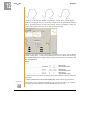
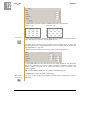
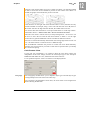
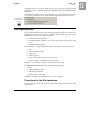
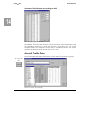
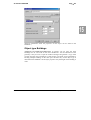
Finally the tab Description should be used to describe the calculation intention and
the parameters that were assigned.
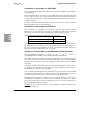
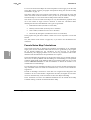
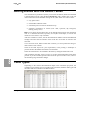
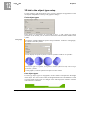
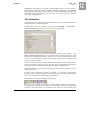
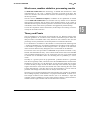
Calculation definition in MISKAM
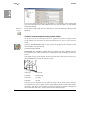
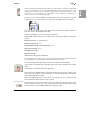
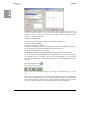
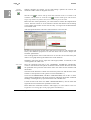
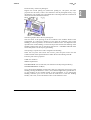
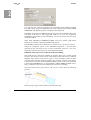
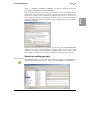
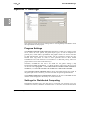
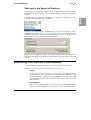
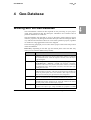
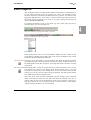
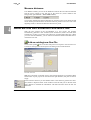
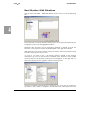
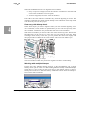
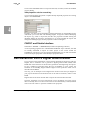
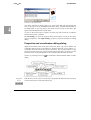
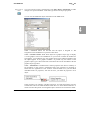
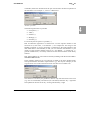
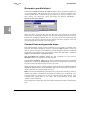
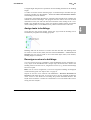
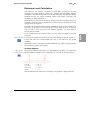
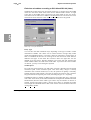
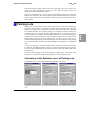
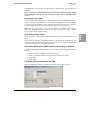
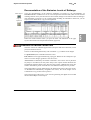
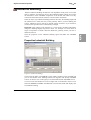
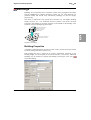
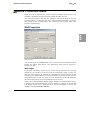
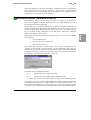
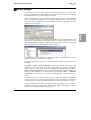
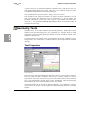
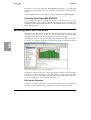
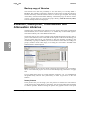
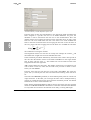
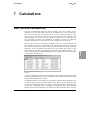
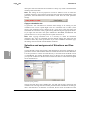
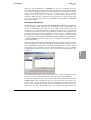
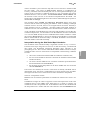
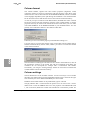
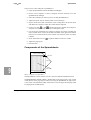
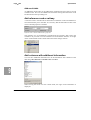
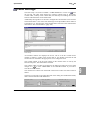
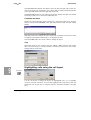
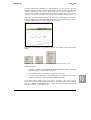
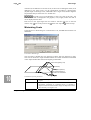
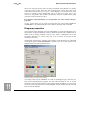
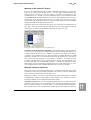
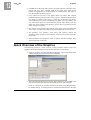
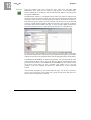
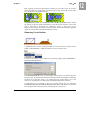
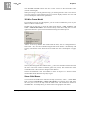
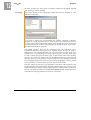
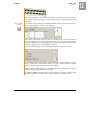
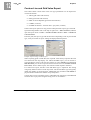
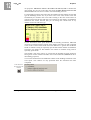
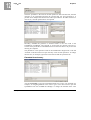
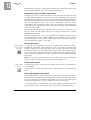
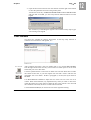
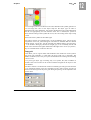
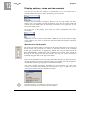
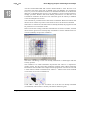
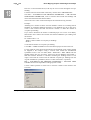
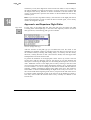
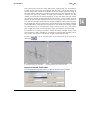
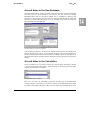
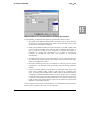
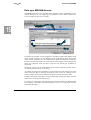
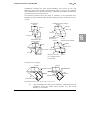
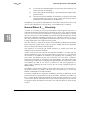
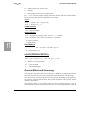
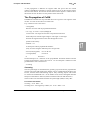
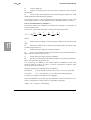
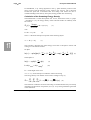
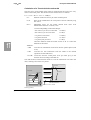
In the run file open the properties and select the MISKAM option in the General tab.
15
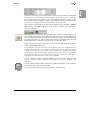
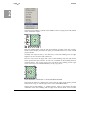
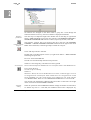
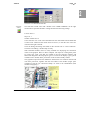
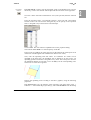
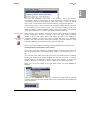
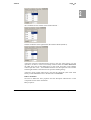
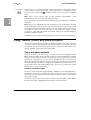
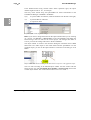
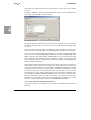
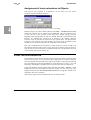
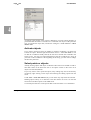
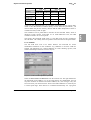
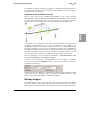
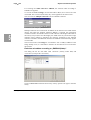
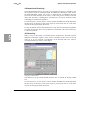
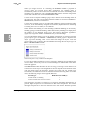
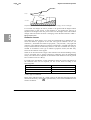
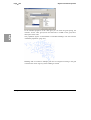
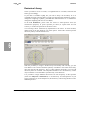
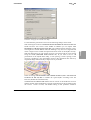
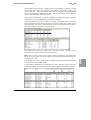
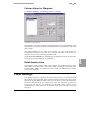
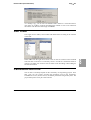
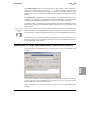
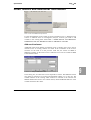
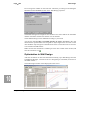
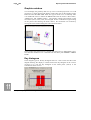
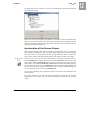
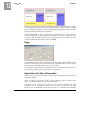
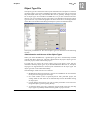
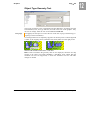
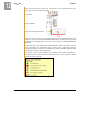
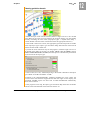
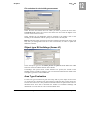
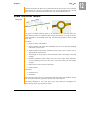
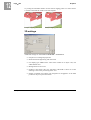
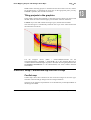
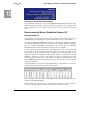
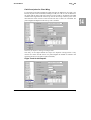
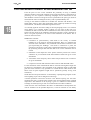
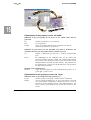
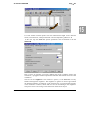
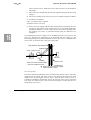
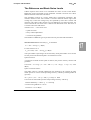
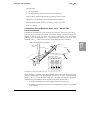
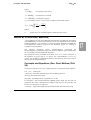
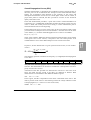
Library access to generate the meteorology data
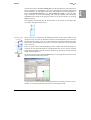
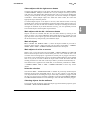
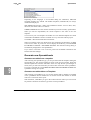
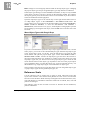
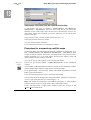
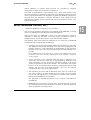
Selection of the meteorology file
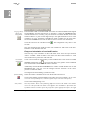
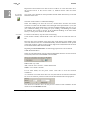
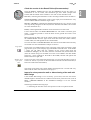
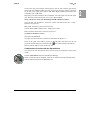
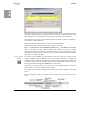
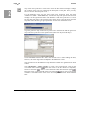
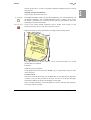
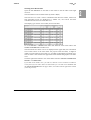
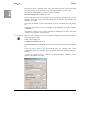
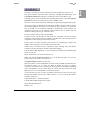
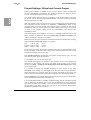
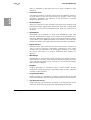
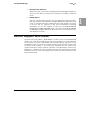
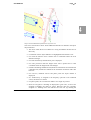
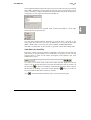
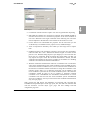
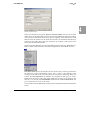
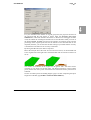
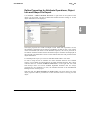
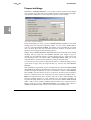
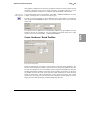
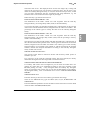
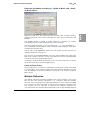
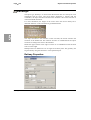
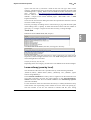
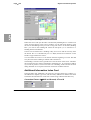
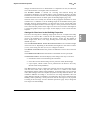
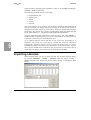
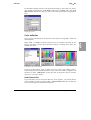
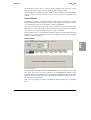
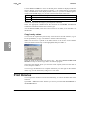
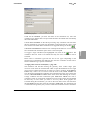
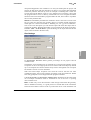
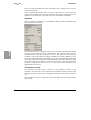
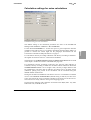
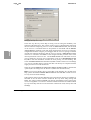
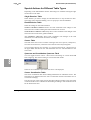
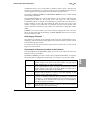
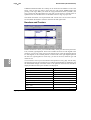
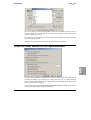
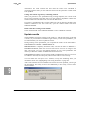
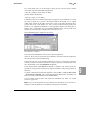
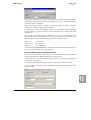
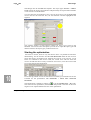
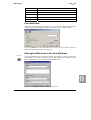
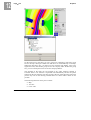
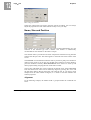
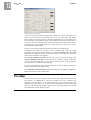
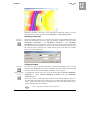
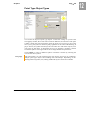
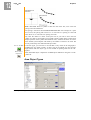
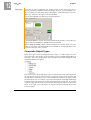
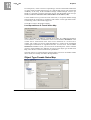
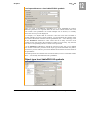
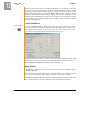
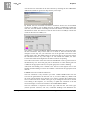
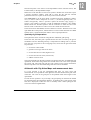
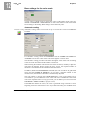
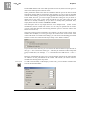
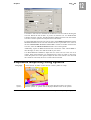
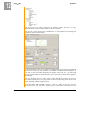
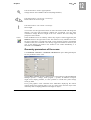
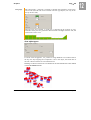
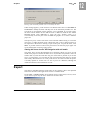
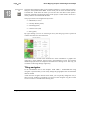
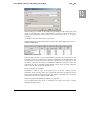
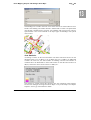
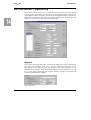
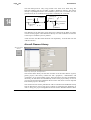
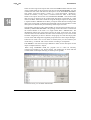
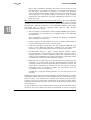
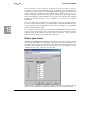
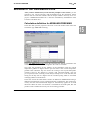
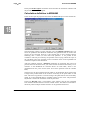
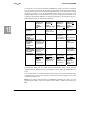
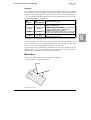
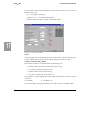
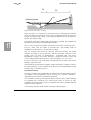
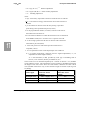
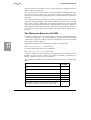
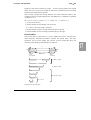
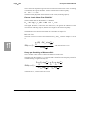
The tab settings contains 3 groups. The first one is for pollutant selection. Here you
select the pollutants that should be simulated. Only pollutants that are used in the
project can be activated, however it may happen that an error message appears
indicating that a certain (or more than one) pollutant is not present in the
calculation. This may be caused by the pollution source laying outside the scope of
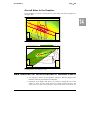
the calculation grid. Only pollution sources inside the frame of the expanded area
will deliver input into the calculation.
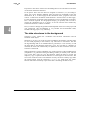
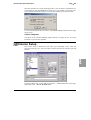
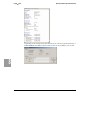
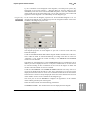
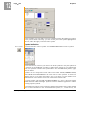
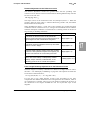
After the pollutant selection 3 Emission parameters are requested. The portion of
particle emission and the forecast year at the moment are deactivated as they are in
reference to the Handbook for emission factors for road traffic, which is not
implemented at this point of time (there are licenses questions with the German
EPA)
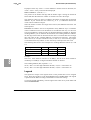
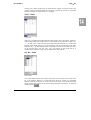
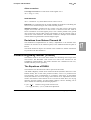
The factor for the hour with the heaviest traffic is an adjustment factor between the
average hourly traffic based on the 24 hours of the day to the peak traffic at rush
hour. This factor in general is 2.4 of the average. The peak hour has 10% of the daily
traffic. If no more detailed data are available, please use this value. The peak hour
adjustment is used in the calculation of the 98 percentile.
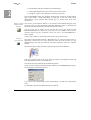
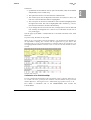
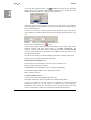
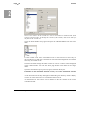
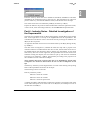
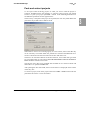
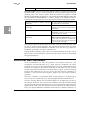
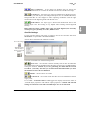
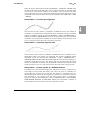
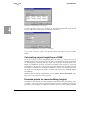
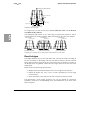
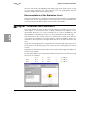
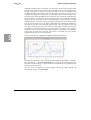
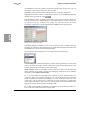
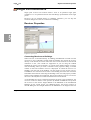
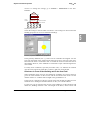
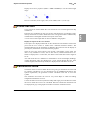
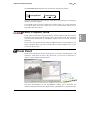
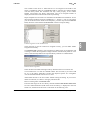
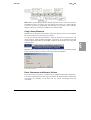
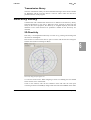
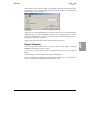
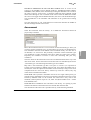
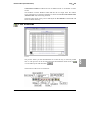
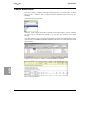
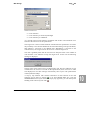
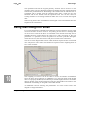
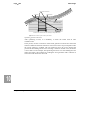
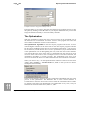
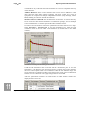
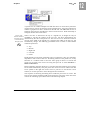
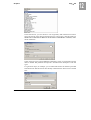
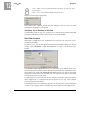
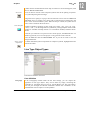
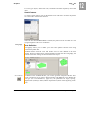
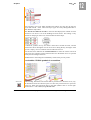
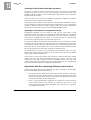
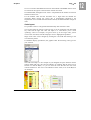
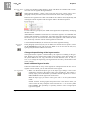
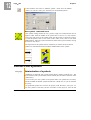
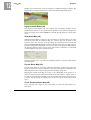
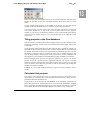
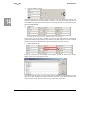
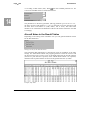
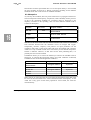
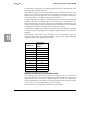
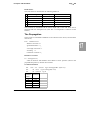
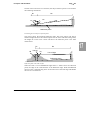
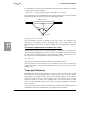
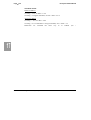
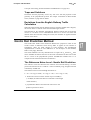
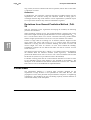
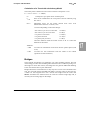
In the box Met-File select a wind statistic. This statistics must be user generated
from the data obtained from the nearest weather station. The double arrow leads to
the library where multiple weather statistics can be generated and stored.
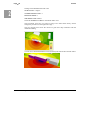
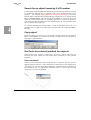
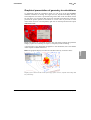
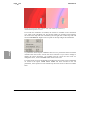
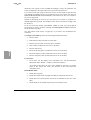
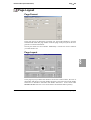
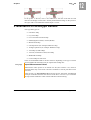
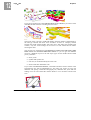
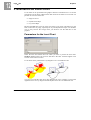
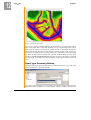
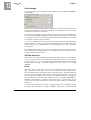
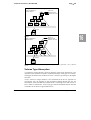
MISKAM in the Calculation Core
SoundPLAN Manual