1
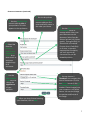
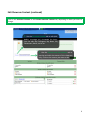
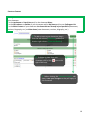
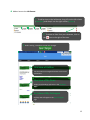
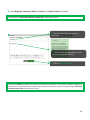
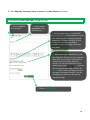
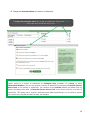
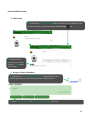
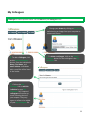
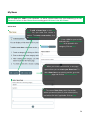
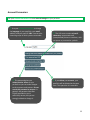
Add an Item to the Left Banner 1. To add an item to the left banner, drag it from the left column (Item Bank) and drop it into the right column (Outline). 2. To delete an item from your showcase, click on the icon to the right of the item. 3. Before exiting, remember to save your changes. Overview of Outline Use the Outline to navigate between sections and subsections. Overview of My News Display new headings and items in the My News page Overview of My Colleagues Displays new colleagues in the My Colleagues page 12