1
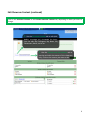
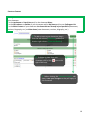
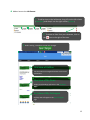
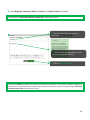
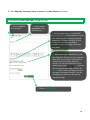
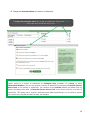
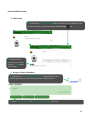
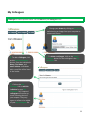
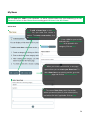
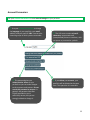
Add a Biography, Document, Video, or Section to the Main Content All biographies, documents, videos, and sections contained in your showcases are displayed in the left column of the Modify Showcase Content function. 1. You can organize your items by showcase or by item (type, name, etc.) 2. To add an item to your showcase, drag it from the left column (Item Bank) and drop it into the right column (Outline). 3. To delete an item from the showcase, click on the icon to the right of the item. 4. To rearrange the items, drag and drop them into the desired order. 5. Before exiting, remember to save your changes. 13