1
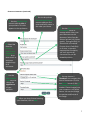
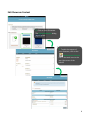
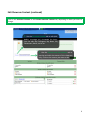
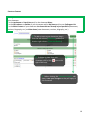
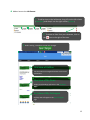
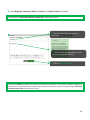
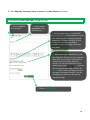
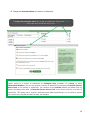
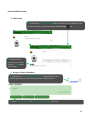
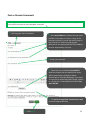
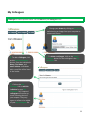
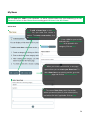
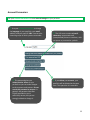
Preview and Edit Content Edit Content 1. Use Preview and Edit Content to edit the content of your showcase. Click on the items that you want to change, or click on the icon. 2. When you have your editing, completed click on Modify to apply your changes. Accept or Refuse a Comment 1. Click on the Preview and Edit Content tab. You will see an icon to indicating an event in the Comments section. Click on the icon. 2. Select Delete this comment or Make this comment public, as desired. 20