1
InterCall Online User Guide
Promotional Playback
Provide a promotional message or announcement for your participants to listen to while they wait for your meeting
to begin.
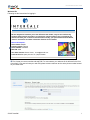
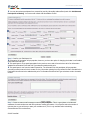
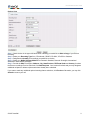
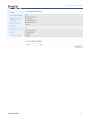
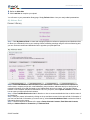
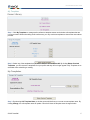
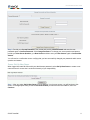
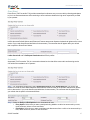
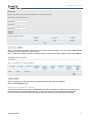
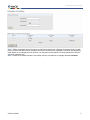
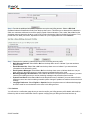
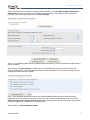
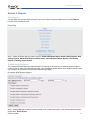
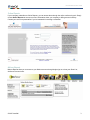
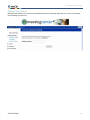
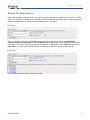
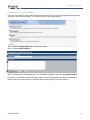
Step 1: Check the box in the upper left hand corner indicating you would like to add Promotional Playback to
your meeting.
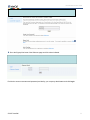
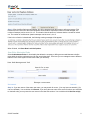
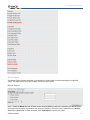
Step 2: From the drop down menu, select the format for which the message or announcement will be provided:
CD, cassette, Encore, Micro Cassette or DAT.
Additional charges may be applied for this service. Please check with your company administrator for details.
If you want to make any additional optional meeting feature selections, click Next. Otherwise, you may click
Submit to reserve your call.
Enhanced Features
A complete range of enhancements are available to make the most of your event, and your conference will be
more professional, interactive and engaging. It's easy to customize your conference with one or more of the
Enhanced Features listed below.
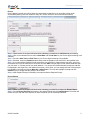
Polling
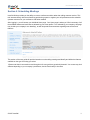
Determine questions prior to your meeting and have participants respond using their telephone keypads. Polling
allows you to collect instant feedback and increases participant involvement in the call. You will receive a report
with all the responses organized by question and participant.
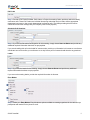
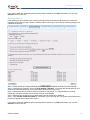
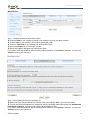
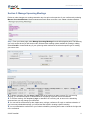
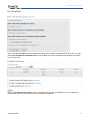
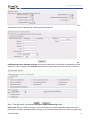
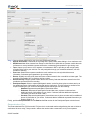
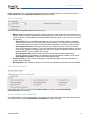
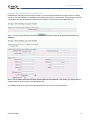
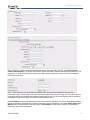
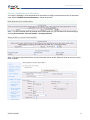
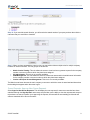
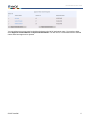
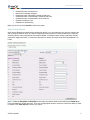
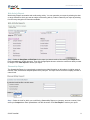
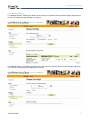
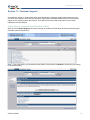
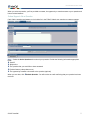
Step 1: Check the box in the upper left hand corner indicating you would like to add Polling to your meeting.
Step 2: Determine who will conduct the poll: the Operator or the Conference Leader or Speaker.
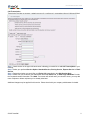
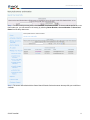
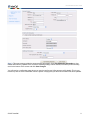
Step 3: Identify who will receive Polling results and provide Recipient Name, Email address and/or Fax number.
© 2007 InterCall
21