1
InterCall Online User Guide
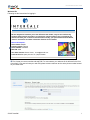
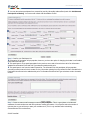
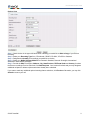
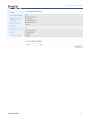
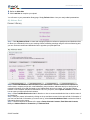
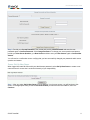
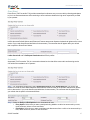
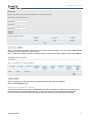
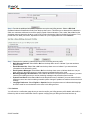
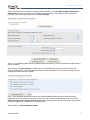
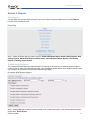
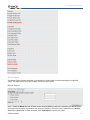
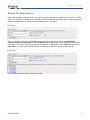
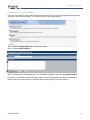
Step 3: This next screen provides the company profile information. Click View Marketing Materials Info and
Rate Details to make any updates to the company’s marketing settings. When finished, from either profile
summary, scroll to the bottom of the screen and Save Changes.
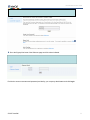
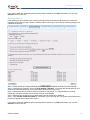
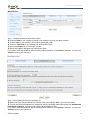
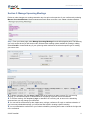
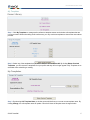
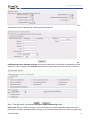
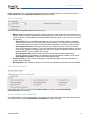
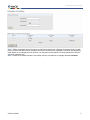
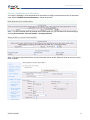
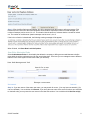
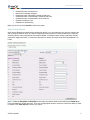
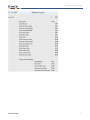
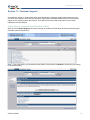
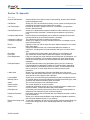
Step 4: If View Marketing Materials Info and Rate Details was selected, you will be presented with this screen to
edit as necessary.
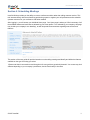
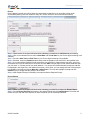
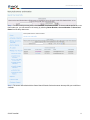
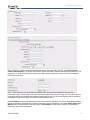
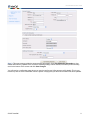
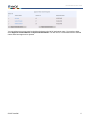
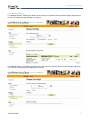
When finished, click Save Changes. You will receive a confirmation page where you need to confirm your
company profile details. This is next followed up with an email confirmation from the system verifying that your
company information has been updated.
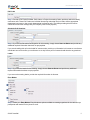
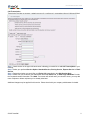
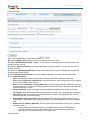
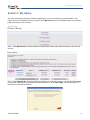
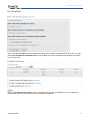
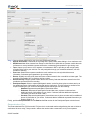
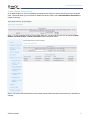
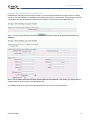
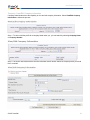
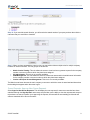
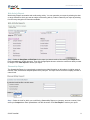
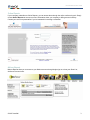
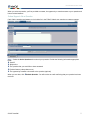
Step 5: If Set Delegate Options was selected, you will be presented with this screen to edit as necessary.
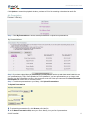
Delegation can be set at either the company or account levels. It can also be deselected for all levels. Check
Allow Override of these settings at the Account Level to allow a specific account to make their own delegate
selections regardless of the settings at the company level.
When finished, click Save Delegates Options.
© 2007 InterCall
62