1
4. Reporting Wizards
A GL Wizard Example
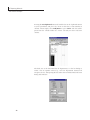
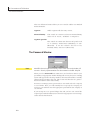
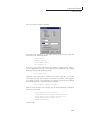
The GL Paste Command works by interpretting the Account Enquiry result
on the clipboard. If an Equiry result is not on the clipboard, then the
Enquiry command will be run in the background using the settings from the
last Account Enquiry to fill the clipboard.
A GL Wizard Example
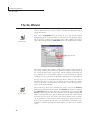
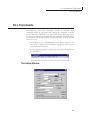
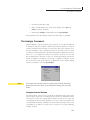
Enquire Button
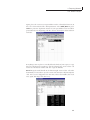
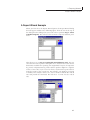
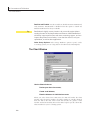
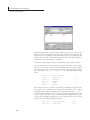
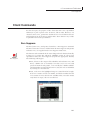
The first step in building a report with the GL Wizard is to perform an
account enquiry to get a single balance. To do this, select F9|Enquire from
the menu or press the Enquire button. Press Quit to close the window and
return to your spreadsheet.
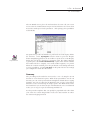
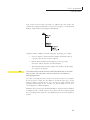
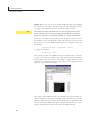
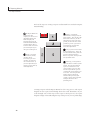
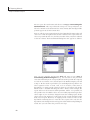
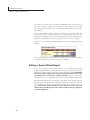
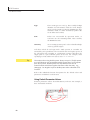
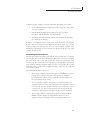
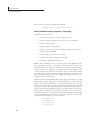
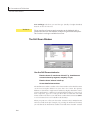
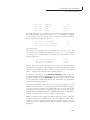
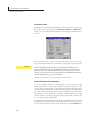
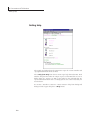
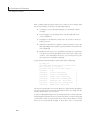
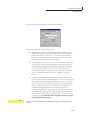
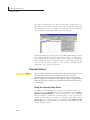
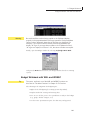
On an empty worksheet, press the GL Paste button, and F9 will change the
sheet will resemble:
GL Paste Button
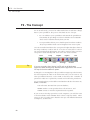
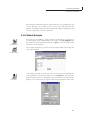
Lists Button
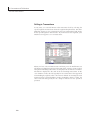
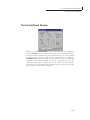
One number is hardly a report, but so far you haven’t typed anything into
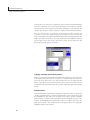
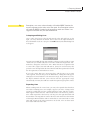
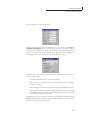
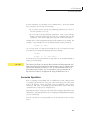
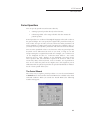
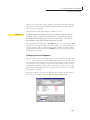
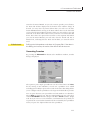
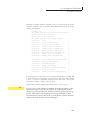
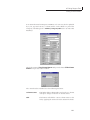
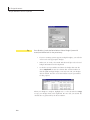
your spreadsheet. In keeping with that, select F9|Lists or press the Lists
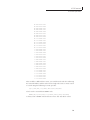
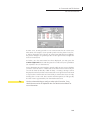
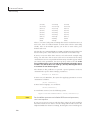
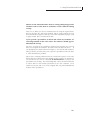
button. The first axis to be completed is the vertical list of accounts; this list
dialog is set to return a list of segment values for the natural account code:
41