1
Bria 3 for Linux User Guide
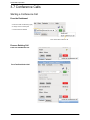
Managing the Conference
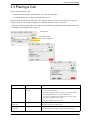
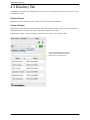
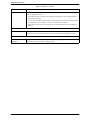
Participant menu
Conference call entry field
Adding More Participants
You can add more participants to an existing conference in any of these ways:
•
•
•
Right-click on a contact or history item and choose Add to Call.
In the conference call panel, enter a name in the call entry field and click Add.
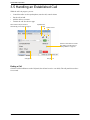
Add in a separate call that is not part of the conference call: In the call panel for the individual call, click the
down arrow and choose Merge Calls. This call is added to the conference call.
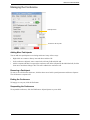
Removing a Participant
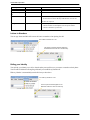
To remove one call from the conference, click the down arrow beside a participant name and choose Separate.
The call becomes a separate call.
Ending the Conference
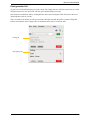
To hang up on everyone, click the End button.
Suspending the Conference
To suspend the conference, click the Hold button. All participants are put on hold.
17