1
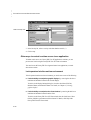
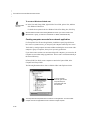
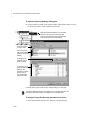
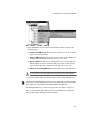
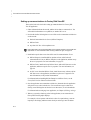
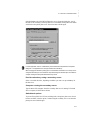
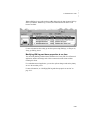
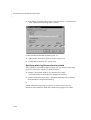
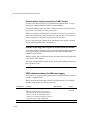
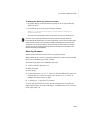
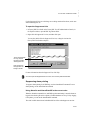
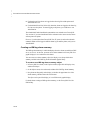
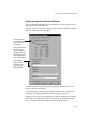
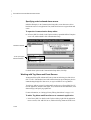
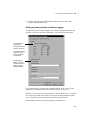
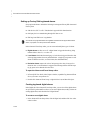
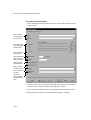
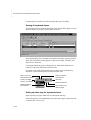
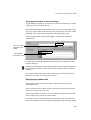
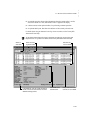
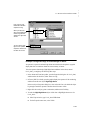
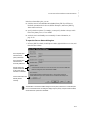
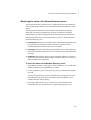
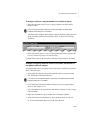
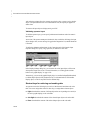
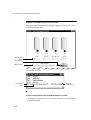
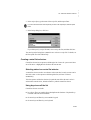
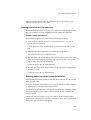
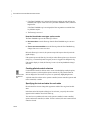
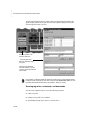
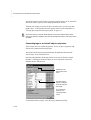
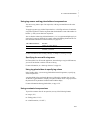
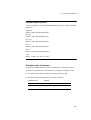
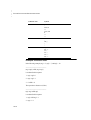
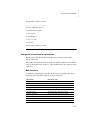
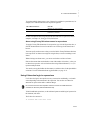
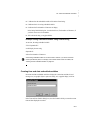
Imagine you want to have HMI tag alarm information available for a specific machine. If something goes wrong and causes an alarm, you want the operator to be able to display an alarm summary for that machine. To display the HMI tag alarm summary for the machine, the operator can position the cursor over any object related to that machine in a graphic display, and then press a Display Key. 1. Create an HMI tag alarm summary that uses a filter containing only the alarms for the machine. The filter must contain a tag placeholder (for example, #1). For information about creating an HMI tag alarm summary, see Chapter 10, Setting up HMI tag alarms. 2. In the Display Keys dialog box, assign a display key. In the Press Action box, type Display AlmSumm /t[tag]. 3. In the Object Keys dialog box, type the name of the machine you want to specify in the alarm summary filter. At run time, the value of [tag] in the Display Keys, replaces #1 in the alarm summary filter, and then displays HMI tag alarms for the selected machine only. Animating ActiveX objects To animate an ActiveX object in FactoryTalk View SE, connect the object’s properties, methods, or events to tags, so it can receive or modify data at run time. To use tag data to animate an ActiveX object, use one of these methods: In FactoryTalk View Studio, use the Property Panel, the Invoke command, or the Events and Methods editors. These methods are simpler, but less flexible. In the Visual Basic® Integrated Development Environment (IDE), use VBA code. This method is more complex, but more flexible. A graphic display is like a Visual Basic form. When you insert an ActiveX control in a graphic display, you can gain access to the ActiveX control’s methods, properties, and events using VBA code. For an overview of how VBA code works in FactoryTalk View SE, see Appendix C, Using the SE Client object model and display code. For detailed information and code examples, see the FactoryTalk View Site Edition Help. 17–23 17 • Placeholder Example 3: Opening an object-specific HMI tag alarm summary • • • • • 17 • ANIMATING GRAPHIC OBJECTS