1
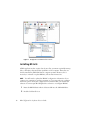
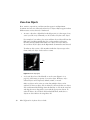
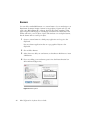
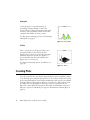
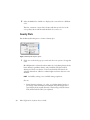
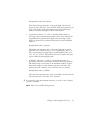
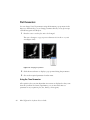
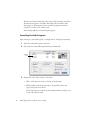
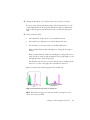
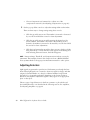
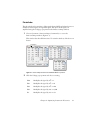
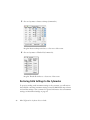
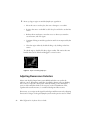
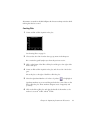
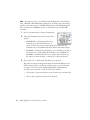
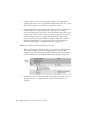
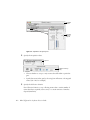
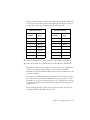
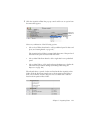
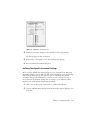
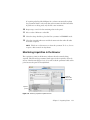
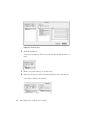
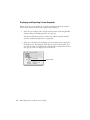
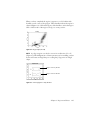
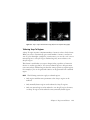
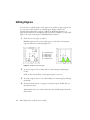
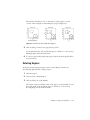
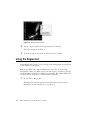
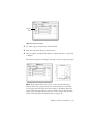
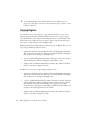
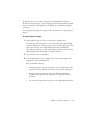
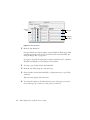
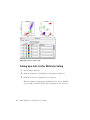
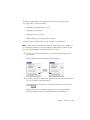
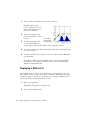
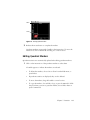
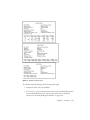
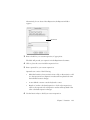
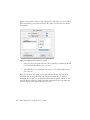
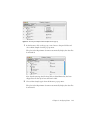
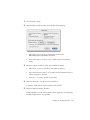
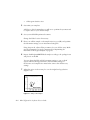
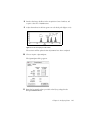
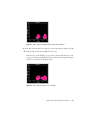
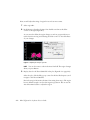
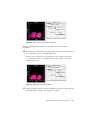
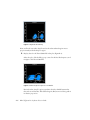
The selection handles are now on the vertices of the polygon, not the
corners of the rectangle circumscribing the polygon (Figure 6-8).
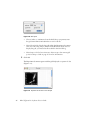
deselected polygons
selected polygons
edit-mode polygons
Figure 6-8 Deselected, selected, and edit-mode polygons
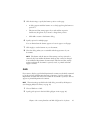
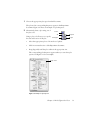
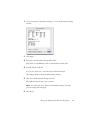
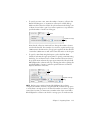
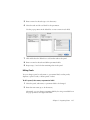
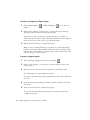
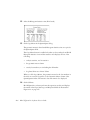
5 Click and drag a vertex to the appropriate position.
To exit the edit mode, click outside the region to deselect it or choose Stop
Editing Polygon from the Gates menu.
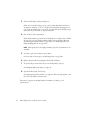
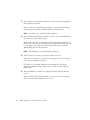
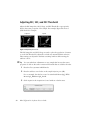
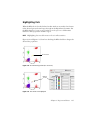
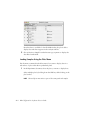
6 To move a region label, deselect the region; then click and drag the label to
its new location.
Rotating Regions
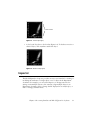
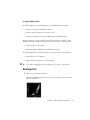
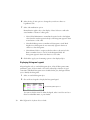
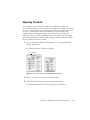
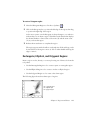
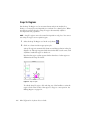
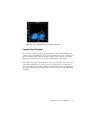
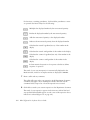
All regions except histogram regions can be rotated. Region statistics are
automatically updated after rotating a region.
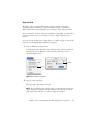
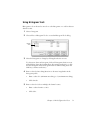
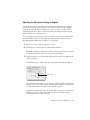
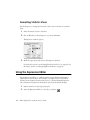
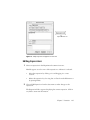
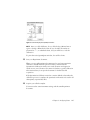
1 Select the region.
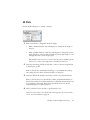
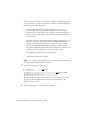
2 Choose Gates > Rotate Region.
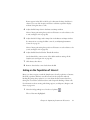
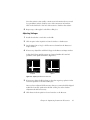
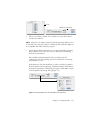
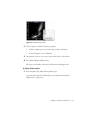
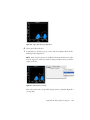
3 Click and drag one of the handles.
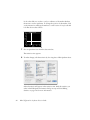
The region rotates around the center of the region, not the handles. To exit
the rotate mode, click outside the region to deselect it or choose Stop
Rotating Region from the Gates menu.
Chapter 6: Regions and Gates
153