1
ManageEngine Desktop Central :: Help Documentation
Security Policies - Task Scheduler
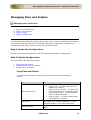
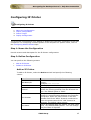
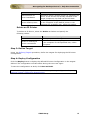
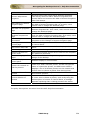
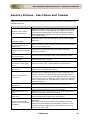
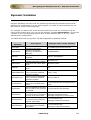
Desktop Central supports configuring the following security policies in Task Scheduler
category:
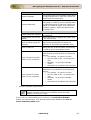
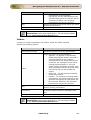
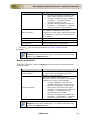
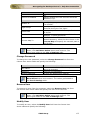
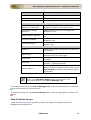
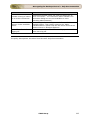
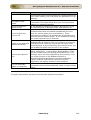
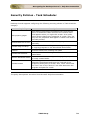
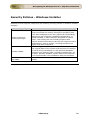
Security Policy
Hide property pages
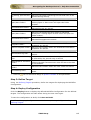
Prevent task run or end
Prohibit drag and drop
Prohibit new task
creation
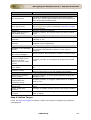
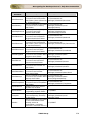
Prohibit task deletion
Remove advanced menu
Prohibit browse
Description
This setting removes the Properties item from the File
menu in Scheduled Tasks and from the context menu
that appears when you right-click a task. As a result,
users cannot change any properties of a task. They can
only see the properties that appear in Detail view and in
the task preview.
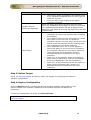
Prevents users from starting and stopping tasks
manually.
Prevents users from adding or removing tasks by moving
or copying programs in the Scheduled Tasks folder.
Prevents users from creating new tasks
Prevents user from deleting users from the scheduled
tasks folder
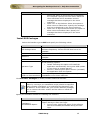
Prevents users from viewing or changing the properties
of newly created tasks.
This setting removes the Browse button from the
Schedule Task Wizard and from the Task tab of the
properties dialog box for a task. Also, users cannot edit
the "Run" box or the "Start in" box that determine the
program and path for a task.
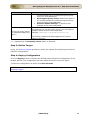
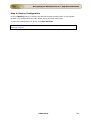
The policy descriptions are taken from Microsoft Help Documentation
ZOHO Corp.
260