1
4.26. BULLETIN BOARD
4.26
CHAPTER 4. HOW DO I USE CPANEL?
Bulletin Board
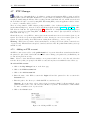
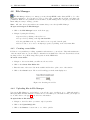
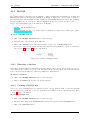
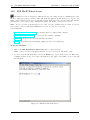
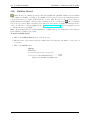
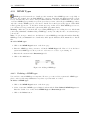
CPanel allows you to install a pre-made forum called phpBB. The phpBB is a PHP web-based bulletin
board. Unlike an e-mail list or newsgroup, the phpBB creates a forum on your web site that allows users to
post questions and receive replies, all from their web browser. This allows you to choose from a variety of
graphical interfaces and smilies – little faces that communicate the mood of the writer
. Once a forum has
been created you can modify it extensively, from adding new sub-forums to changing the visual appearance
of the board. Be sure to visit the phpBB web site – http://www.phpbb.com/ – for more information on how
to customize and use your phpBB
Note: Keep in mind that each separate installation of phpBB takes up several megabytes, and will grow
in size with the popularity of the forum.
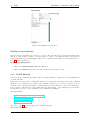
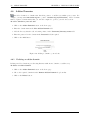
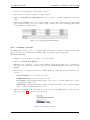
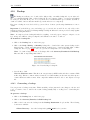
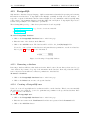
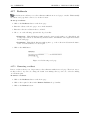
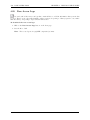
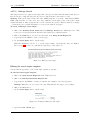
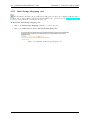
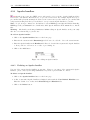
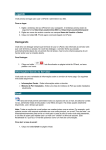
To install a phpBB forum:
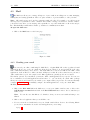
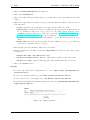
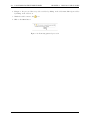
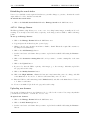
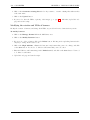
1. Click on the Bulletin Board button on the home page.
2. Enter the name of the forum folder in the available field. Note that the folder must be on the top level
of your site.
3. Click on the Install button.
Figure 4.69: Installing a phpBB forum
68