1
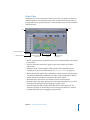
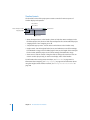
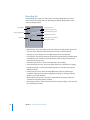
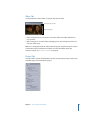
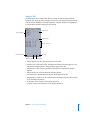
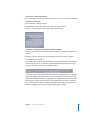
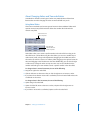
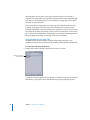
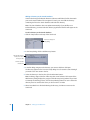
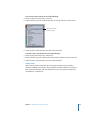
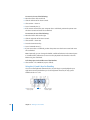
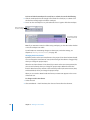
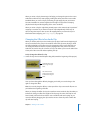
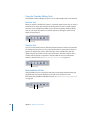
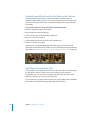
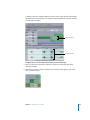
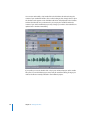
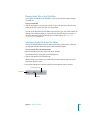
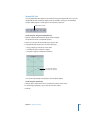
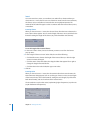
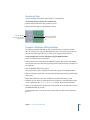
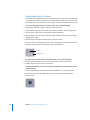
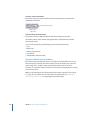
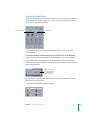
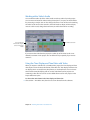
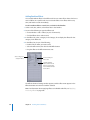
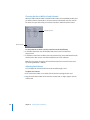
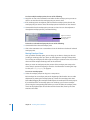
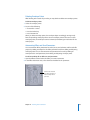
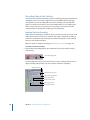
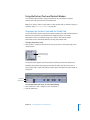
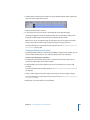
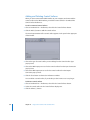
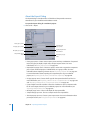
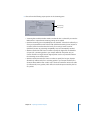
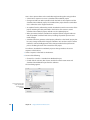
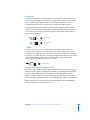
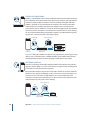
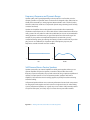
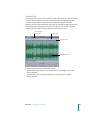
To scrub an audio file with the playhead:
1 Press and hold the triangular part of the playhead.
2 While holding the playhead, drag left or right at the speed you want to scrub the
audio file.
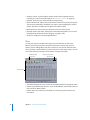
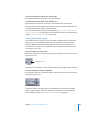
Scrubbing is useful to help identify the part of an audio file that you want to edit.
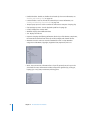
While you are scrubbing an audio file, you can also select the part of the file that you
want to edit.
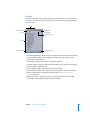
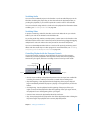
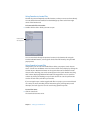
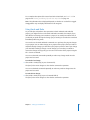
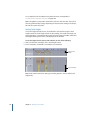
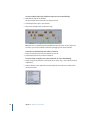
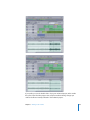
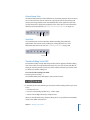
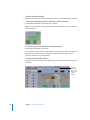
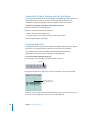
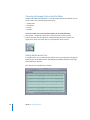
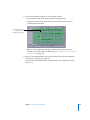
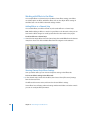
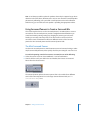
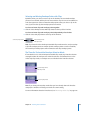
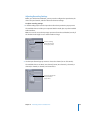
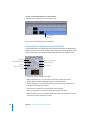
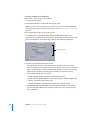
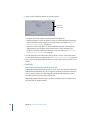
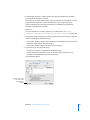
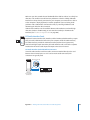
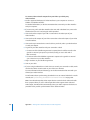
To make a selection while scrubbing with the playhead:
m As you move the playhead, press and hold the Shift key.
For projects containing a video file, dragging to create a selection scrubs the video at
the selection point.
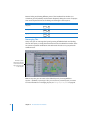
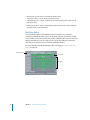
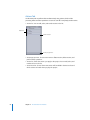
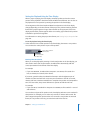
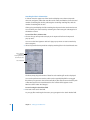
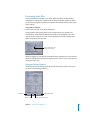
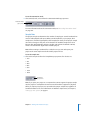
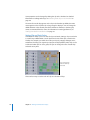
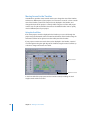
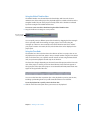
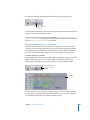
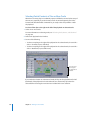
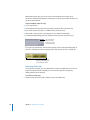
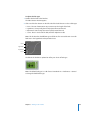
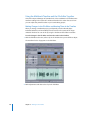
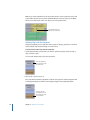
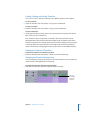
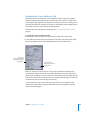
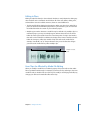
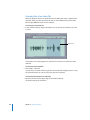
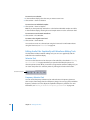
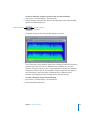
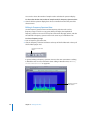
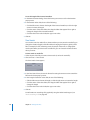
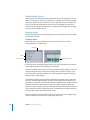
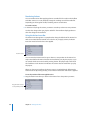
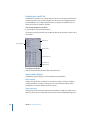
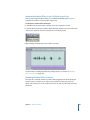
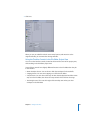
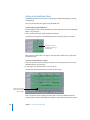
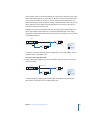
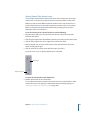
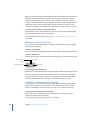
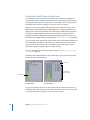
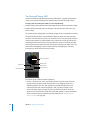
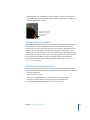
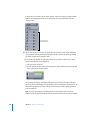
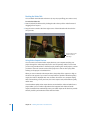
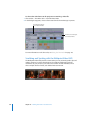
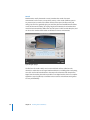
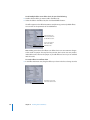
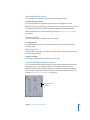
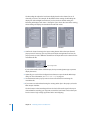
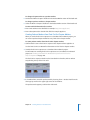
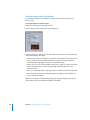
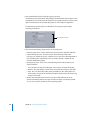
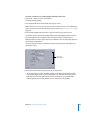
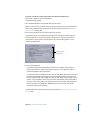
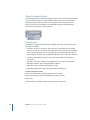
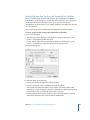
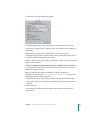
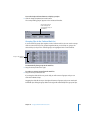
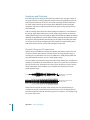
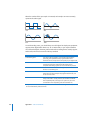
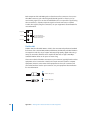
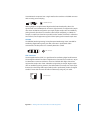
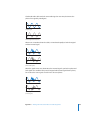
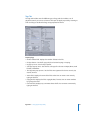
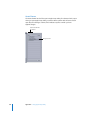
Shift-drag to create
a selection with the
Scrub tool.
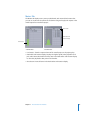
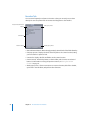
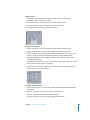
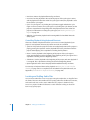
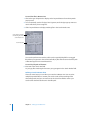
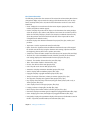
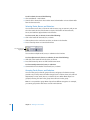
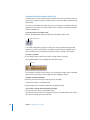
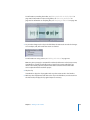
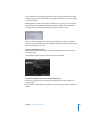
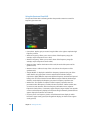
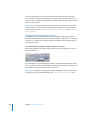
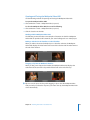
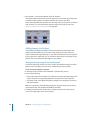
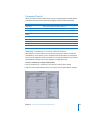
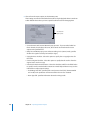
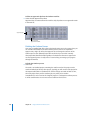
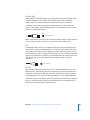
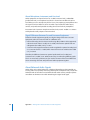
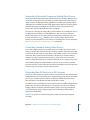
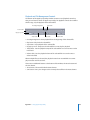
To scrub using keyboard shortcuts:
m As you move the playhead, press and hold the Shift key.
For projects containing a video file, dragging to create a selection scrubs the video at
the selection point.
Chapter 6 Editing Audio Files
201