1
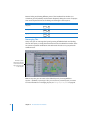
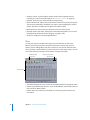
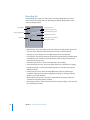
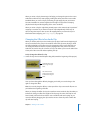
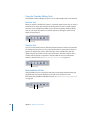
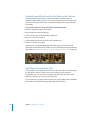
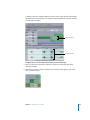
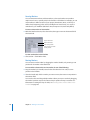
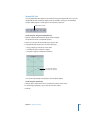
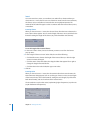
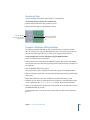
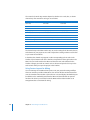
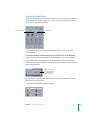
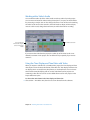
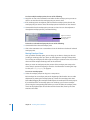
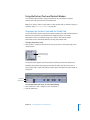
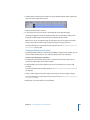
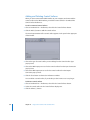
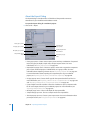
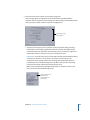
You can also choose the number of samples used to calculate the spectrum display.
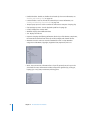
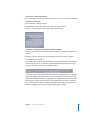
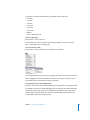
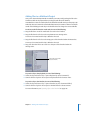
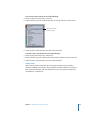
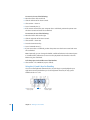
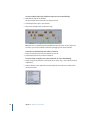
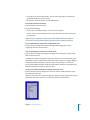
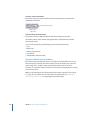
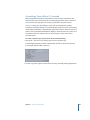
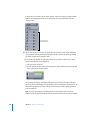
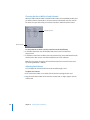
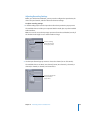
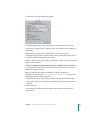
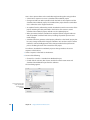
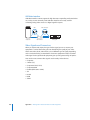
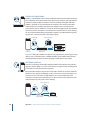
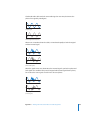
To choose the window size (number of samples used) for Frequency Spectrum view:
m Control-click the spectrum display, then choose a number from the lower part of the
shortcut menu.
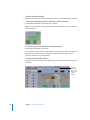
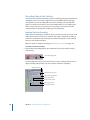
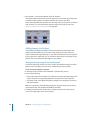
Editing in Frequency Spectrum View
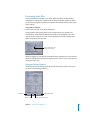
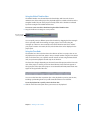
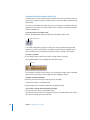
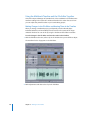
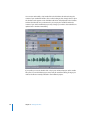
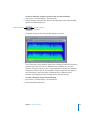
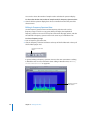
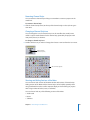
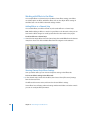
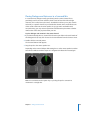
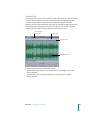
Use the Frequency Spectrum view and the Frequency Selection tool to select
frequency ranges as well as to copy, paste, delete, and adjust the amplitude of
frequency selections. You can also select parts of the audio file, apply actions, and edit
the audio file in Frequency Spectrum view in the same way as in Waveform view.
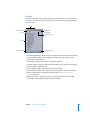
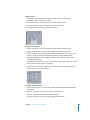
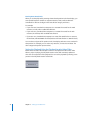
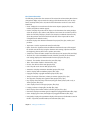
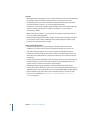
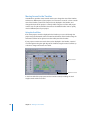
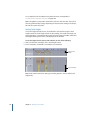
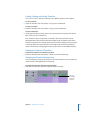
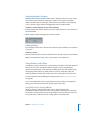
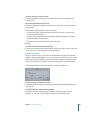
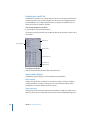
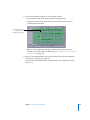
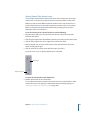
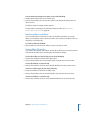
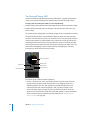
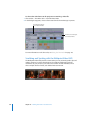
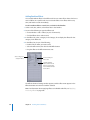
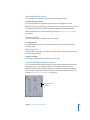
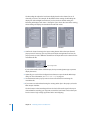
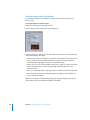
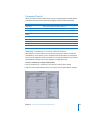
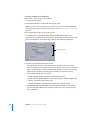
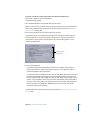
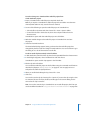
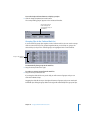
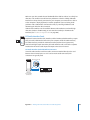
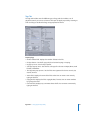
To select a frequency range:
1 Turn on Frequency Spectrum view.
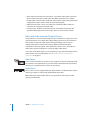
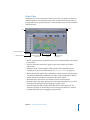
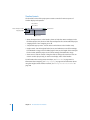
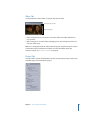
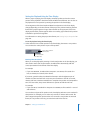
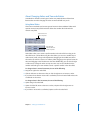
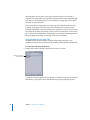
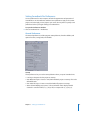
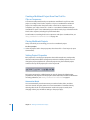
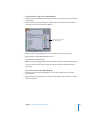
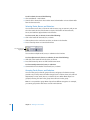
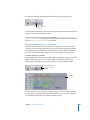
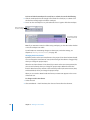
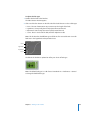
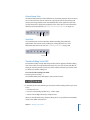
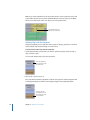
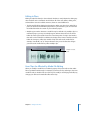
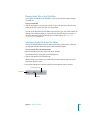
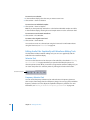
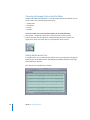
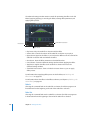
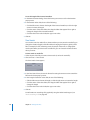
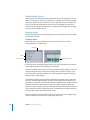
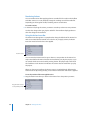
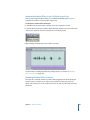
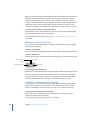
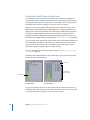
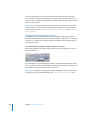
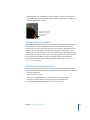
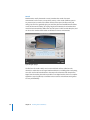
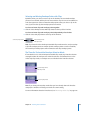
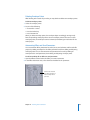
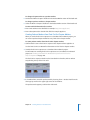
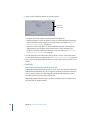
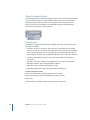
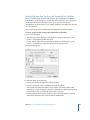
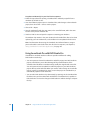
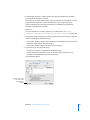
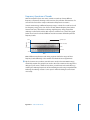
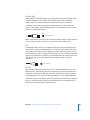
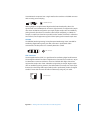
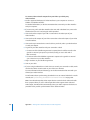
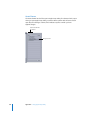
2 Click the Frequency Selection Tool button at the top of the File Editor tab or the top of
the File Editor project view.
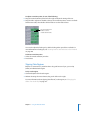
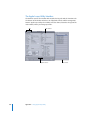
Frequency Selection Tool
button
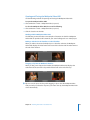
In general, editing in Frequency Spectrum view uses the same conventions as editing
in Waveform view. For more information about editing in Waveform view, see “Using
the Global Waveform View” on page 249.
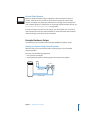
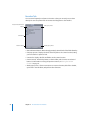
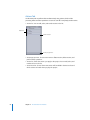
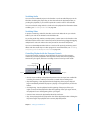
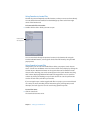
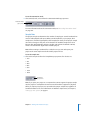
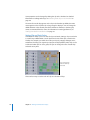
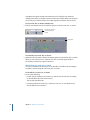
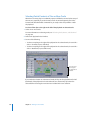
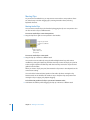
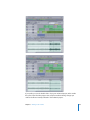
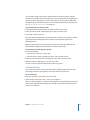
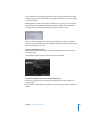
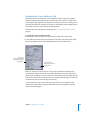
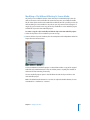
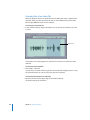
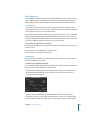
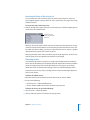
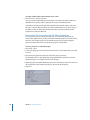
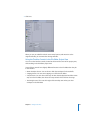
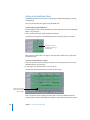
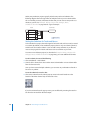
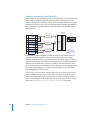
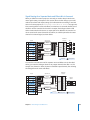
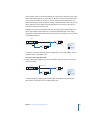
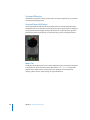
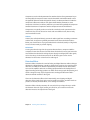
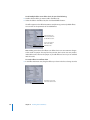
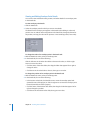
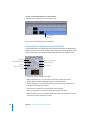
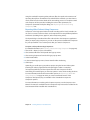
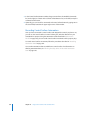
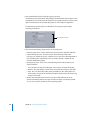
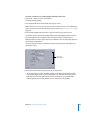
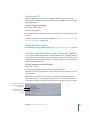
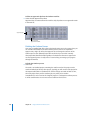
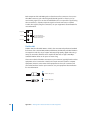
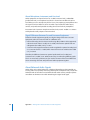
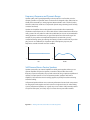
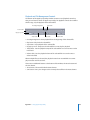
Frequency Spectrum
view selection
218
Chapter 6 Editing Audio Files