1
4
Working with Multitrack Projects
4
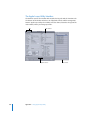
You can arrange and mix audio clips in a multitrack project.
Multitrack projects include tracks, busses, and submixes you
can use to create sophisticated signal routing and mixes.
Creating and Opening Multitrack Projects
When you open Soundtrack Pro, a new, blank project appears. You can change the
default startup behavior in the Preferences window. For information about setting
preferences, see “Setting Soundtrack Pro Preferences” on page 97.
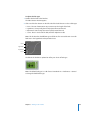
To create a new multitrack project:
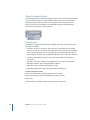
m Choose File > New > Multitrack Project (or press Command-N).
A new, untitled project appears. You can name the project when you save it. For
information on saving projects, see “Saving Multitrack Projects” on page 111.
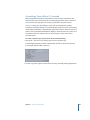
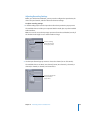
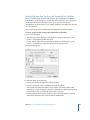
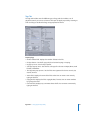
To open an existing project:
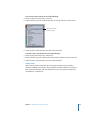
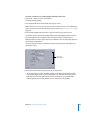
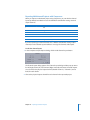
1 Choose File > Open (or press Command-O).
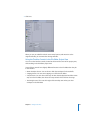
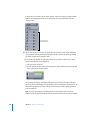
2 Optionally, to view only multitrack projects in the dialog, choose Multitrack Document
from the File Type pop-up menu.
3 Locate and select the project, then click Open.
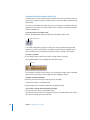
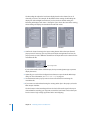
You can also open a recently open project by choosing it from the File > Open Recent
menu, or open a project by dragging it onto the Soundtrack Pro icon in the Dock.
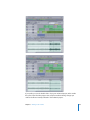
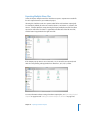
You can have multiple projects open in Soundtrack Pro and cut and paste between
them, but you can only play one project at a time. You can open projects created with
earlier versions of Soundtrack and Soundtrack Pro, but you can only save them as
multitrack projects (with the extension .stmp).
105