1
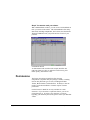
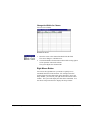
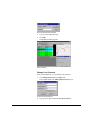
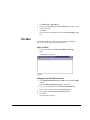
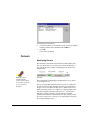
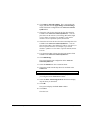
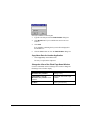
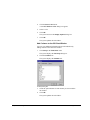
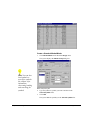
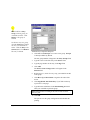
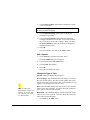
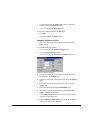
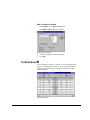
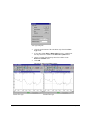
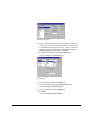
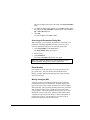
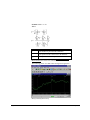
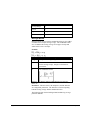
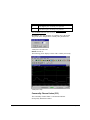
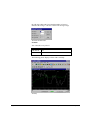
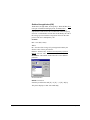
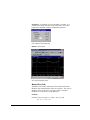
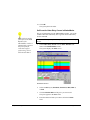
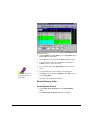
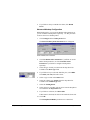
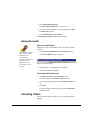
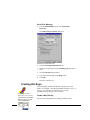
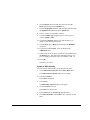
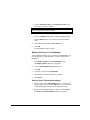
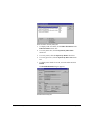
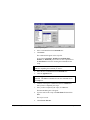
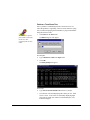
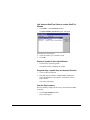
11. Click OK.
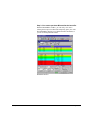
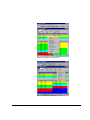
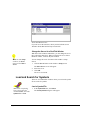
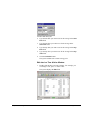
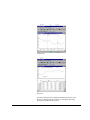
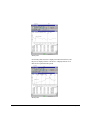
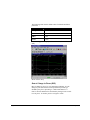
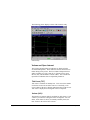
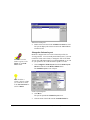
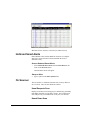
The system updates the Table window.
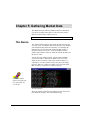
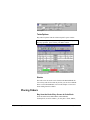
Ticker
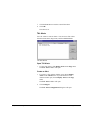
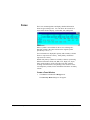
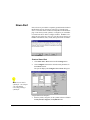
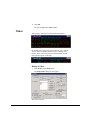
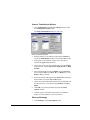
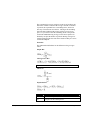
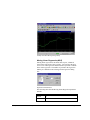
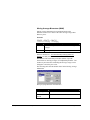
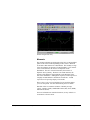
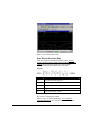
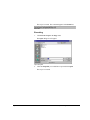
Ticker displays real-time price and volume information.
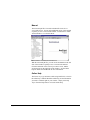
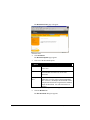
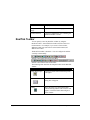
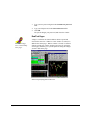
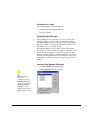
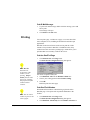
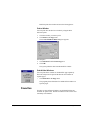
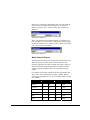
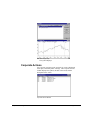
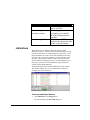
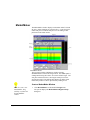
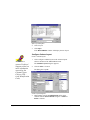
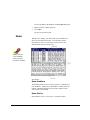
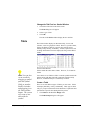
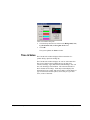
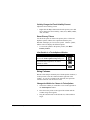
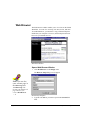
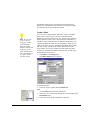
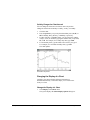
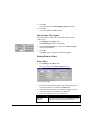
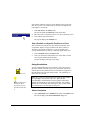
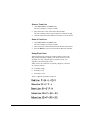
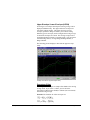
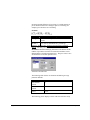
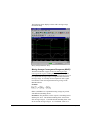
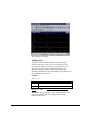
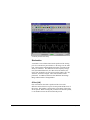
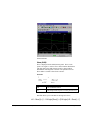
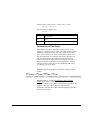
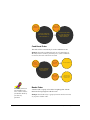
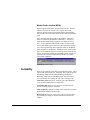
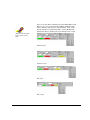
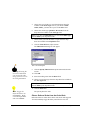
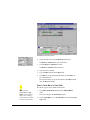
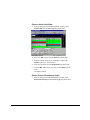
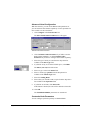
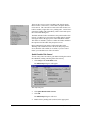
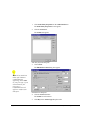
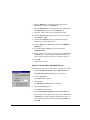
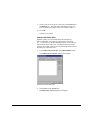
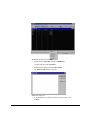
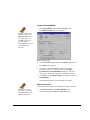
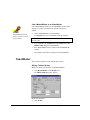
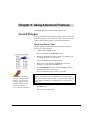
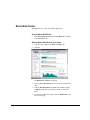
Cascade Display
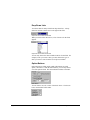
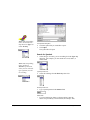
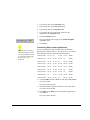
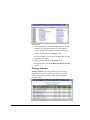
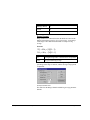
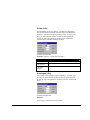
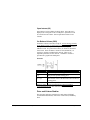
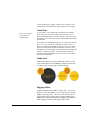
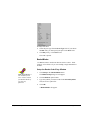
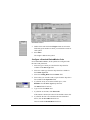
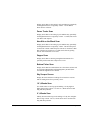
In Cascade tickers, the quotes appear vertically, top to bottom.
You can choose to display the newest price at the top or the
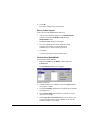
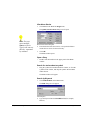
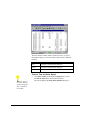
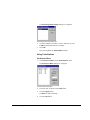
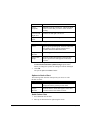
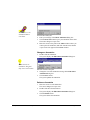
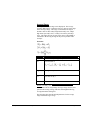
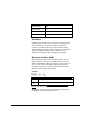
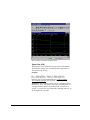
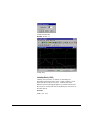
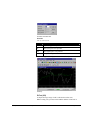
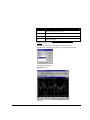
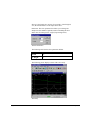
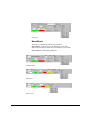
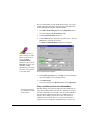
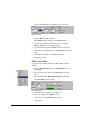
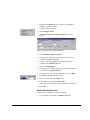
bottom. In Jet tickers, the quotes scroll horizontally, and the
newest quotes appear on the right
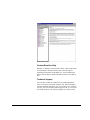
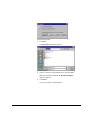
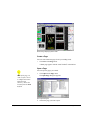
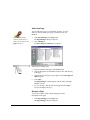
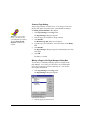
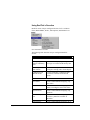
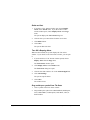
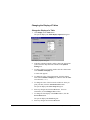
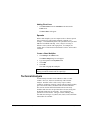
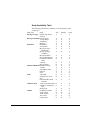
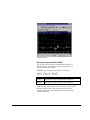
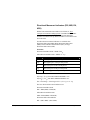
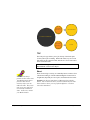
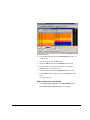
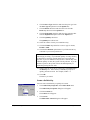
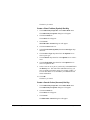
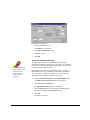
Jet Display
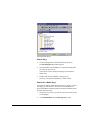
Display a Ticker
1.
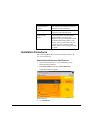
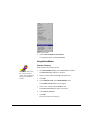
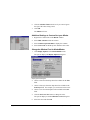
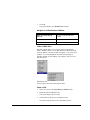
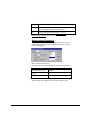
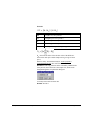
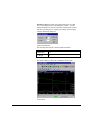
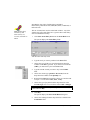
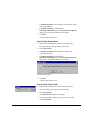
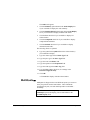
Click Ticker on the Design menu.
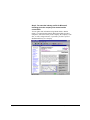
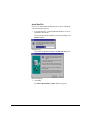
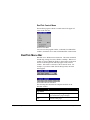
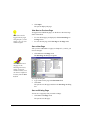
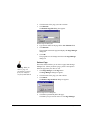
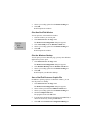
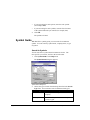
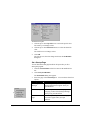
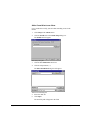
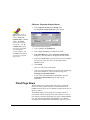
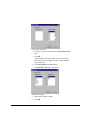
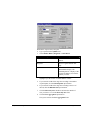
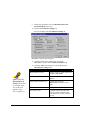
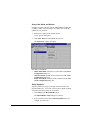
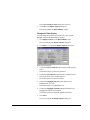
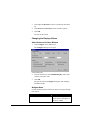
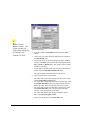
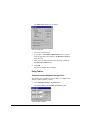
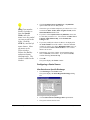
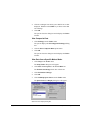
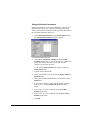
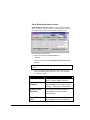
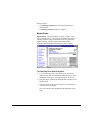
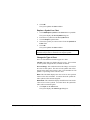
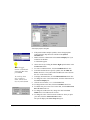
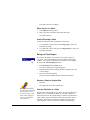
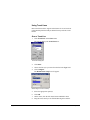
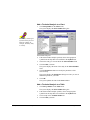
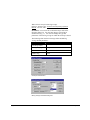
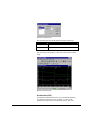
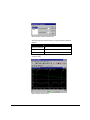
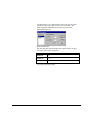
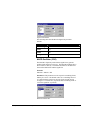
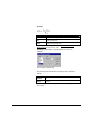
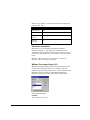
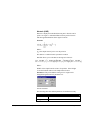
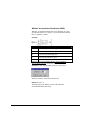
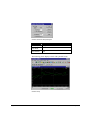
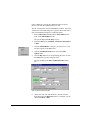
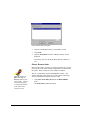
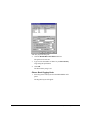
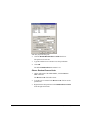
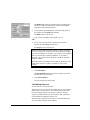
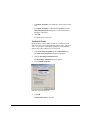
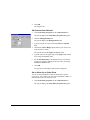
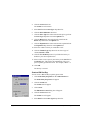
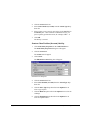
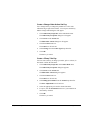
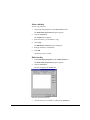
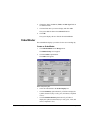
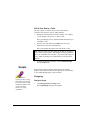
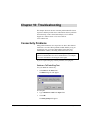
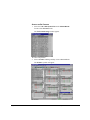
The Setup Ticker dialog box will appear.
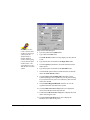
Setup Ticker Dialog Box
Page 142
Chapter 5: Gathering Market Data