1
CHAPTER 18
User Profiles
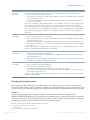
In MetaSuite, a User Profile is a combination of personalized settings that are saved in an INI file. The default
name of this INI file is MetaSuite.ini and it is located in the user’s AppData\Roaming\MetaSuite
folder. The initial settings were defined during the MetaSuite installation.
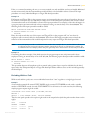
It is possible to change the settings in the MetaSuite.ini file or to create additional INI files with different
settings. The option User Profile from the Tools menu allows to select another User Profile or to reload a
modified User Profile, so that their settings become active.
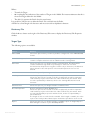
Note:
The procedure on how to update User Profiles is explained in the MetaSuite INI Manager User
Guide.
1.
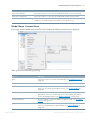
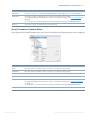
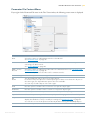
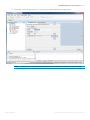
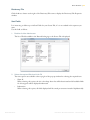
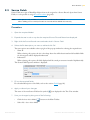
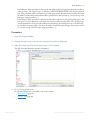
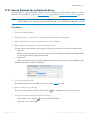
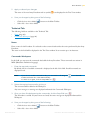
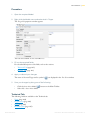
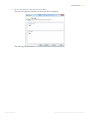
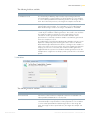
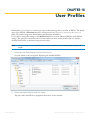
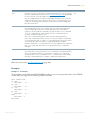
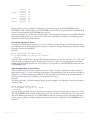
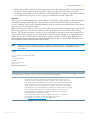
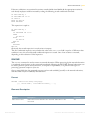
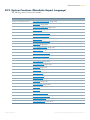
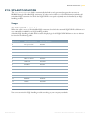
Select the User Profile option from the Tools menu.
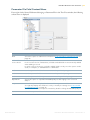
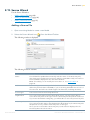
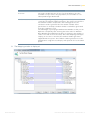
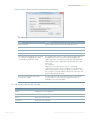
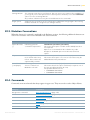
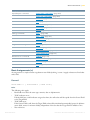
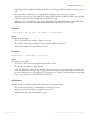
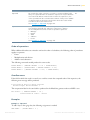
A screen similar to this one appears, displaying the available INI files.
2.
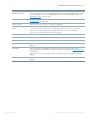
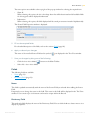
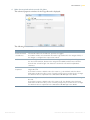
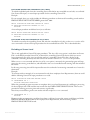
Select the required INI file and click Open.
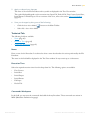
The path of the new INI file is displayed at the bottom, in the statusbar.
IKAN Solutions
METASUITE METAMAP MANAGER - RELEASE 8.1.3