1
METAMAP MANAGER USER INTERFACE | 31
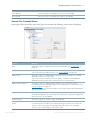
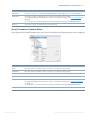
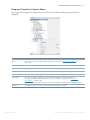
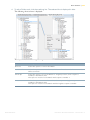
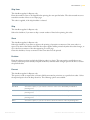
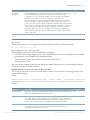
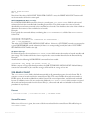
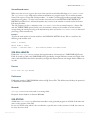
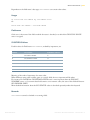
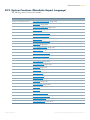
Parameter File Record Context Menu
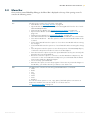
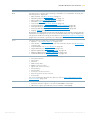
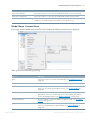
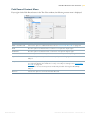
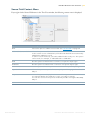
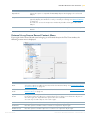
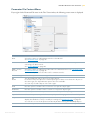
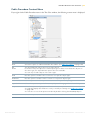
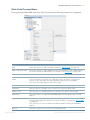
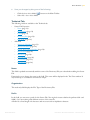
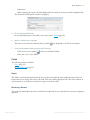
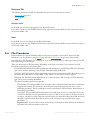
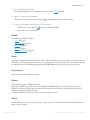
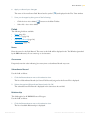
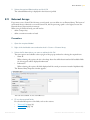
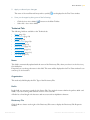
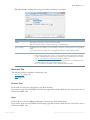
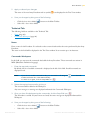
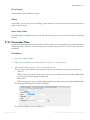
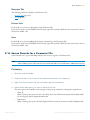
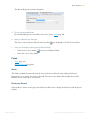
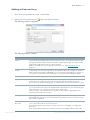
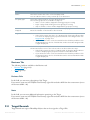
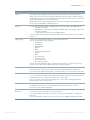
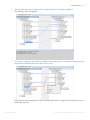
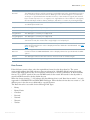
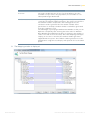
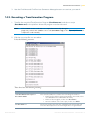
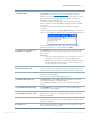
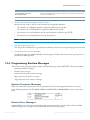
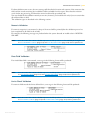
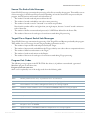
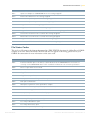
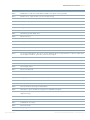
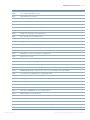
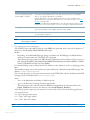
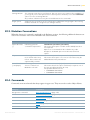
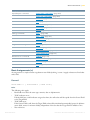
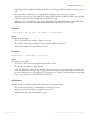
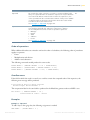
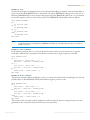
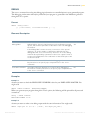
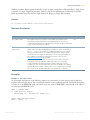
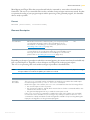
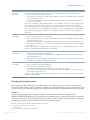
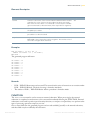
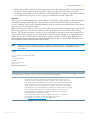
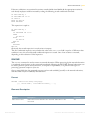
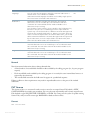
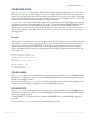
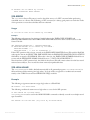
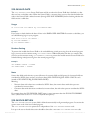
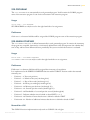
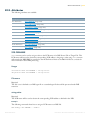
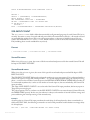
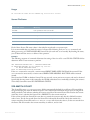
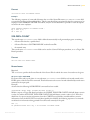
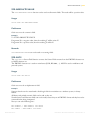
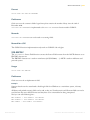
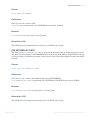
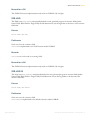
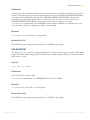
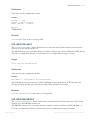
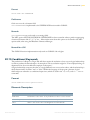
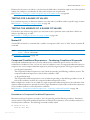
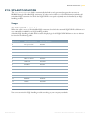
If you right-click a Source Record name belonging to Parameter File in the Tree View window, the following
context menu is displayed:
Option
Meaning
New
Select this option to add a Source Record. See Source Records for a Parameter File on
page 85.
Add > Source
Field
Select this option to add a Source Field. See Source Fields for a Parameter File on
page 87.
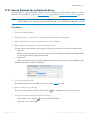
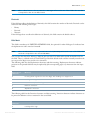
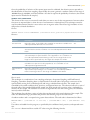
Find
Use this option to find the first occurrence of a specific objetc type.
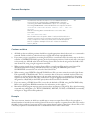
Find Next
Use this option to find the next occurrence of a specific objetc type.
Find Previous
Use this option to find the previous occurrence of a specific objetc type.
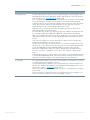
Expand all
Select this option to expand all MetaMap Objects belonging to the selected Object.
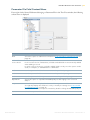
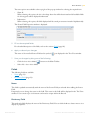
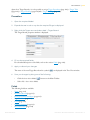
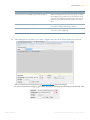
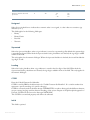
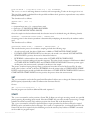
Properties
Select this option to display the Source Record's Properties window.
You typically display this window to verify or modify its settings. See Source Records for
a Parameter File on page 85.
You can also access the Properties window by double-clicking the MetaMap Object.
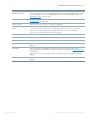
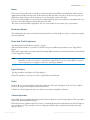
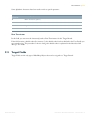
Remove
Select this option to delete this Source Record.
IKAN Solutions
METASUITE METAMAP MANAGER - RELEASE 8.1.3