1
DATA SOURCES | 58
8.3. Source Fields
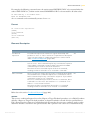
Source Fields are a type of MetaMap Objects that can be assigned to a Source Record. Apart from Source
Fields, it is also possible to assign Record Procedures (page 61).
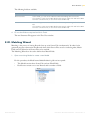
Note:
This option is only available if not all Source Fields have been added.
When adding a Source Field, all Sub Source Fields will be added automatically.
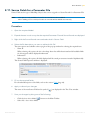
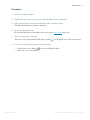
Procedure
1.
Open the required Model.
2.
Expand the tree in such a way that the required Source File and Record are displayed.
3.
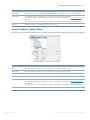
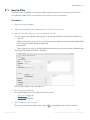
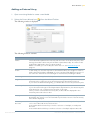
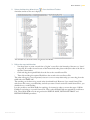
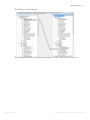
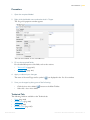
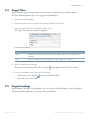
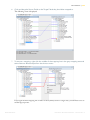
Right-click the Source Record name and select Add > Source Field.
4.
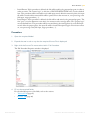
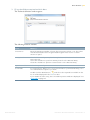
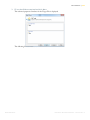
Select the file description you want to add and click OK.
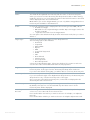
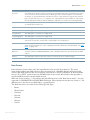
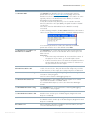
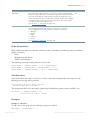
Two extra options are available at the top right of the pop-up window for selecting the required item:
•
Show all
When selecting this option, the Select Item drop-down list will be deactivated and all available fields
for all categories will be displayed underneath.
•
Indentation
When selecting this option, all fields displayed will be sorted per structure instead of alphabetically.
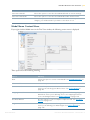
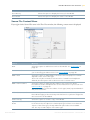
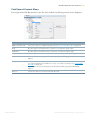
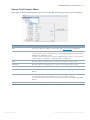
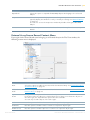
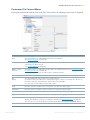
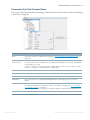
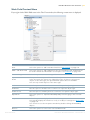
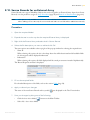
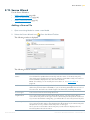
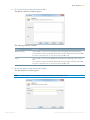
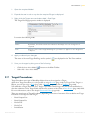
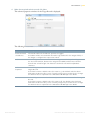
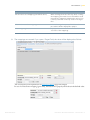
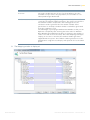
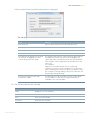
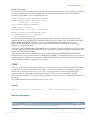
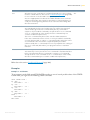
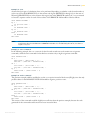
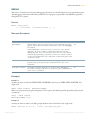
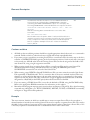
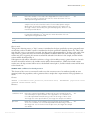
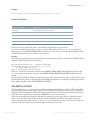
The Source Field Properties window is displayed.
5.
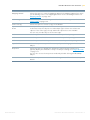
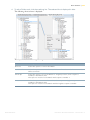
Fill out the required fields.
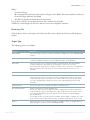
For a detailed description of the fields, refer to the sections Fields (page 59).
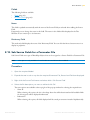
6.
Apply or discard your changes.
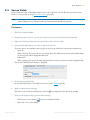
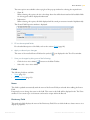
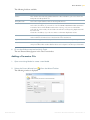
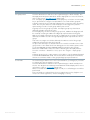
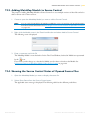
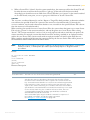
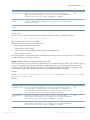
The name of the new Source Field and its symbol (
7.
) are displayed in the Tree View window.
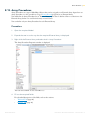
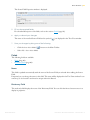
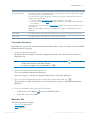
Save your changes by doing one of the following:
•
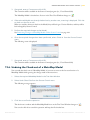
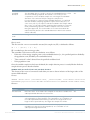
Click the Save Active Model (
•
Select File > Save Active Model.
IKAN Solutions
) button on the Main Toolbar.
METASUITE METAMAP MANAGER - RELEASE 8.1.3