1
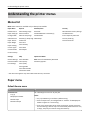
Understanding the printer menus
69
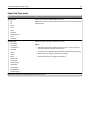
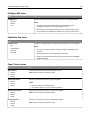
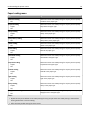
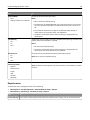
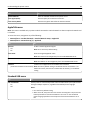
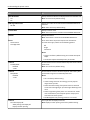
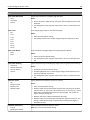
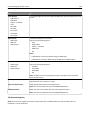
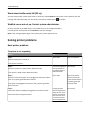
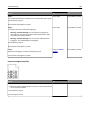
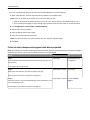
Use
To
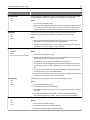
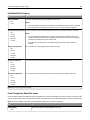
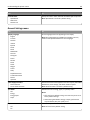
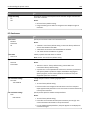
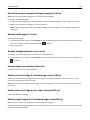
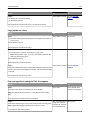
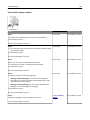
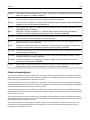
Manual Paper Size
A4
A5
A6
JIS B5
Letter
Legal
Executive
Oficio (Mexico)
Folio
Statement
Universal
Specify the size of the paper being manually loaded.
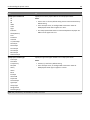
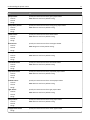
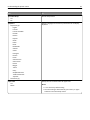
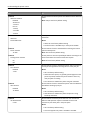
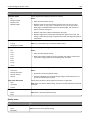
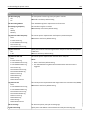
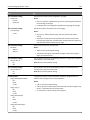
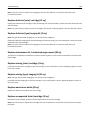
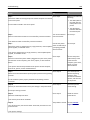
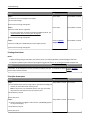
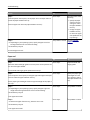
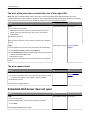
Manual Paper Type
Plain Paper
Card Stock
Transparency
Recycled
Glossy
Labels
Bond
Letterhead
Preprinted
Colored Paper
Light Paper
Heavy Paper
Rough/Cotton
Custom Type [x]
Specify the type of the paper being manually loaded.
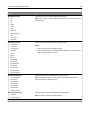
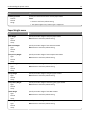
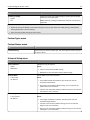
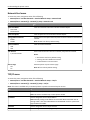
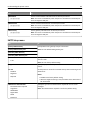
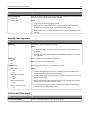
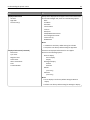
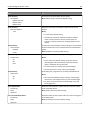
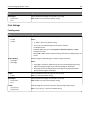
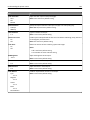
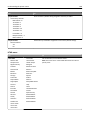
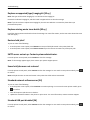
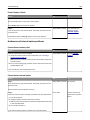
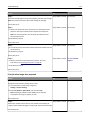
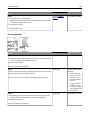
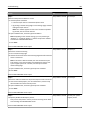
Manual Envelope Size
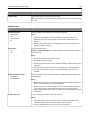
7 3/4 Envelope
9 Envelope
10 Envelope
DL Envelope
C5 Envelope
B5 Envelope
Other Envelope
Specify the size of the envelope being manually loaded.
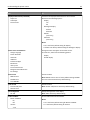
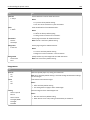
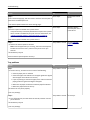
Manual Envelope Type
Envelope
Custom Type [x]
Specify the type of the envelope being manually loaded.
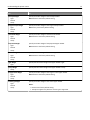
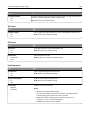
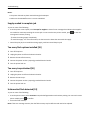
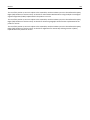
Note: Letter is the U.S. factory default setting. A4 is the international factory
default setting.
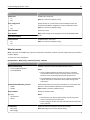
Notes:
• Plain Paper is the factory default setting.
• From the Paper menu, set Configure MP to Manual in order for Manual
Paper Type to appear as a menu.
Note: 10 Envelope is the U.S. factory default setting. DL Envelope is the
international factory default setting.
Note: Envelope is the factory default setting.
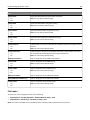
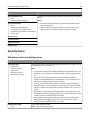
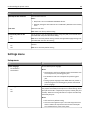
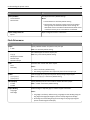
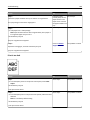
Note: Only installed trays and feeders are listed in this menu.