1
AT-ARW256E User’s Guide
4.3
Diagnostics Test
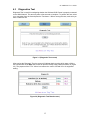
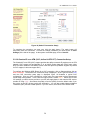
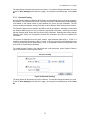
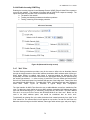
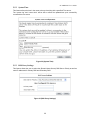
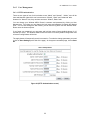
Diagnostic Test is used for investigating whether the Wireless ADSL Router is properly connected
to the WAN Network. This test may take a few seconds to complete. To perform the test, select
your connection from the list and press the Test button. Before running this test, make sure you
have a valid DSL link.
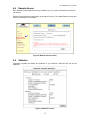
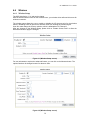
Figure 3.1 (Diagnostic Test screen)
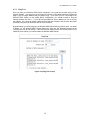
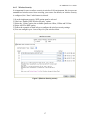
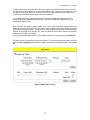
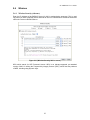
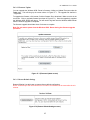
After running the Diagnostic Test, the screen will indicate that the portion which pass or fail the
test. Please click on the Help links, which will provide remedy to the problem as shown in (Figure
3.2). The purpose of the “Fix It “ button is to restore the router’s VPI and VCI to its originated
setting.
Figure 3.2 (Diagnostic Test Result screen)
13