1
ADVANCED PHONE FEATURES
The Personal Directory
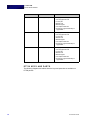
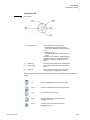
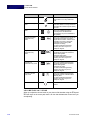
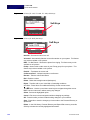
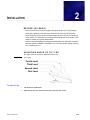
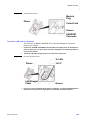
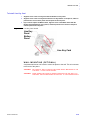
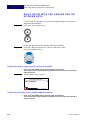
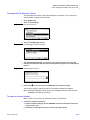
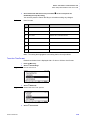
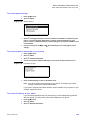
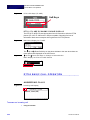
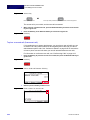
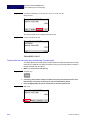
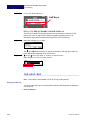
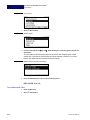
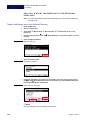
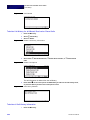
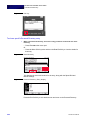
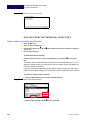
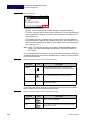
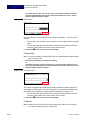
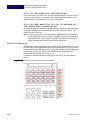
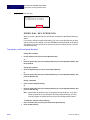
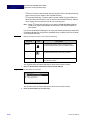
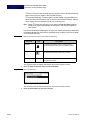
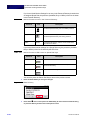
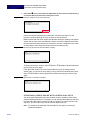
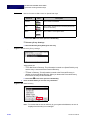
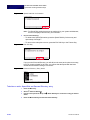
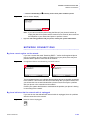
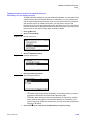
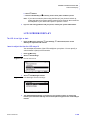
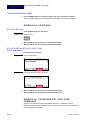
Figure 5.44 Exit Key
To view a specific Personal Directory entry
1
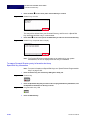
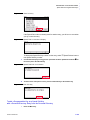
While in the Personal Directory, scroll to the entry you want to view and do one of the
following:
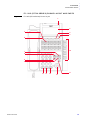
• Press Enter b on the cursor pad.
Or
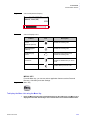
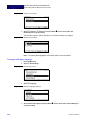
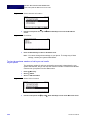
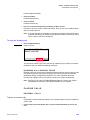
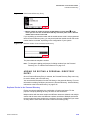
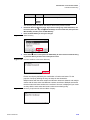
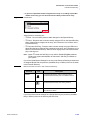
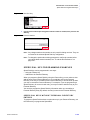
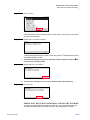
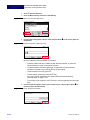
• Press the More Soft Key twice and then the Detail Soft Key to view the details for
that entry.
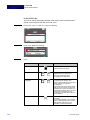
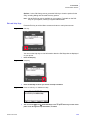
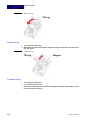
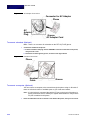
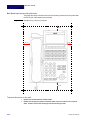
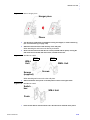
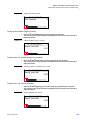
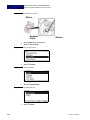
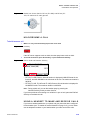
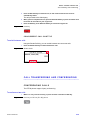
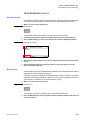
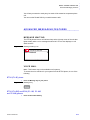
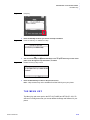
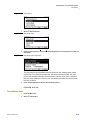
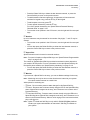
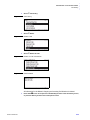
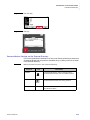
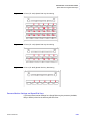
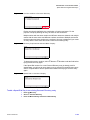
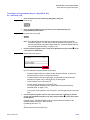
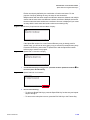
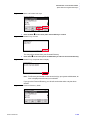
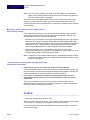
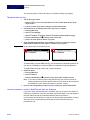
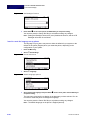
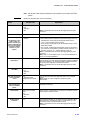
Figure 5.45 Detail Soft Key
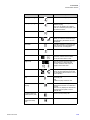
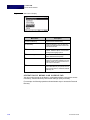
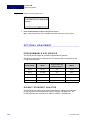
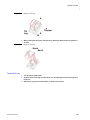
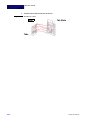
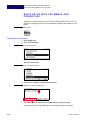
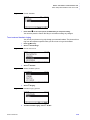
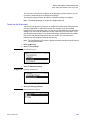
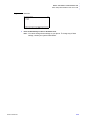
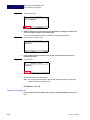
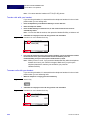
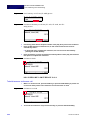
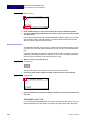
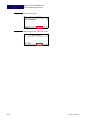
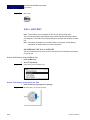
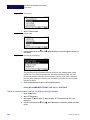
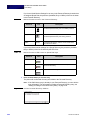
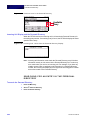
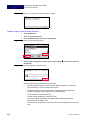
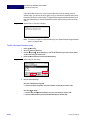
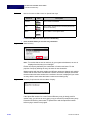
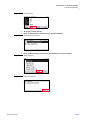
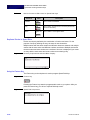
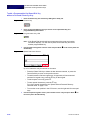
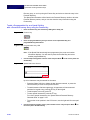
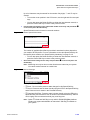
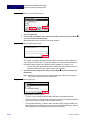
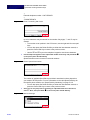
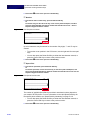
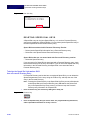
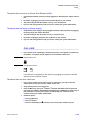
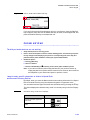
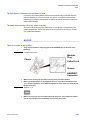
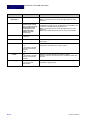
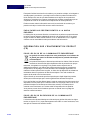
This displays the name and number for the entry, along with the Speed Dial and
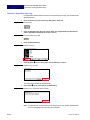
Monitor settings.
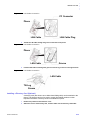
Figure 5.46 Personal Directory Entry display
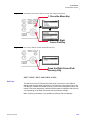
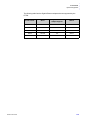
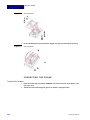
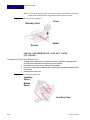
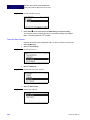
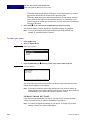
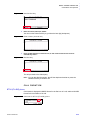
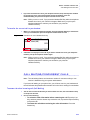
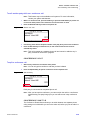
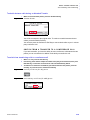
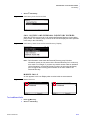
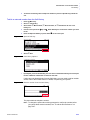
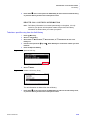
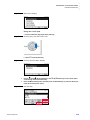
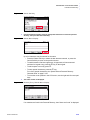
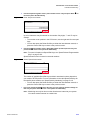
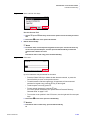
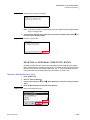
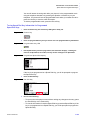
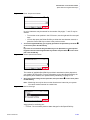
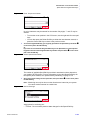
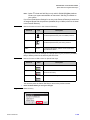
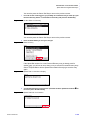
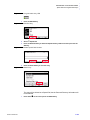
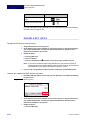
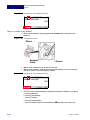
Press the Exit Soft Key to exit details screen and return to the Personal Directory.
5-90
DT700 User Manual