1
INSTALLATION
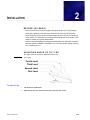
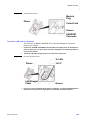
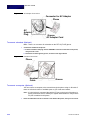
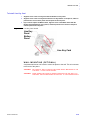
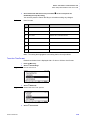
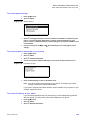
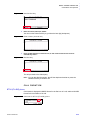
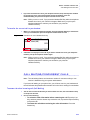
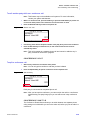
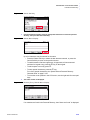
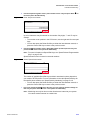
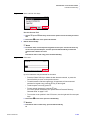
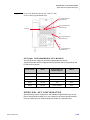
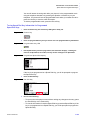
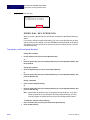
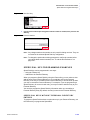
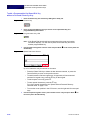
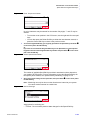
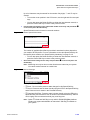
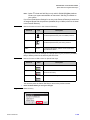
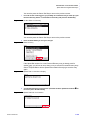
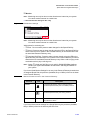
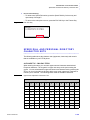
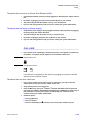
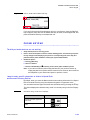
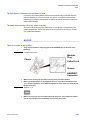
Note: To remove the directory card, pinch the two sides of the directory card holder
inward, until the tabs release, and pull the holder out of the grooves.
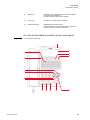
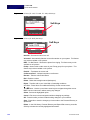
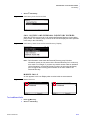
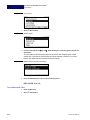
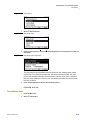
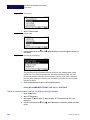
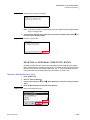
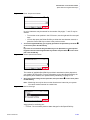
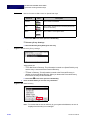
Figure 2.15 Directory Card Connection
Cover
Directory Card
Groove
Holder
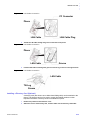
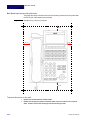
INSTALLING/REMOVING LINE KEY CARD
(OPTIONAL)
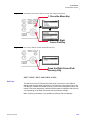
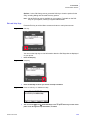
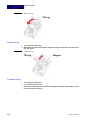
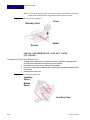
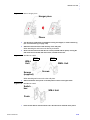
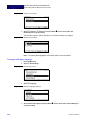
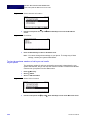
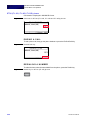
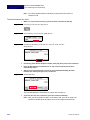
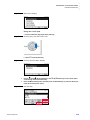
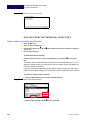
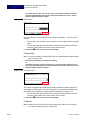
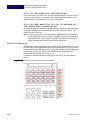
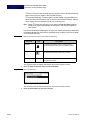
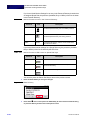
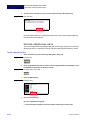
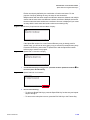
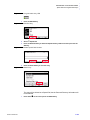
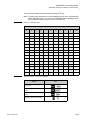
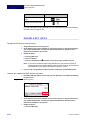
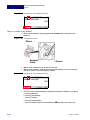
To remove Line Key Panel/ Button Panel
1
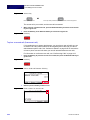
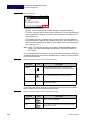
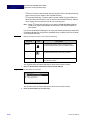
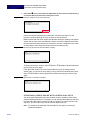
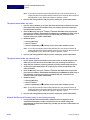
Carefully insert a tapered rod or a standard screwdriver between the right side of the
Line Key Panel and the base of the phone to loosen the panel.
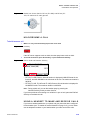
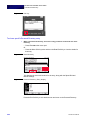
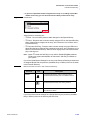
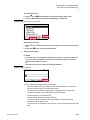
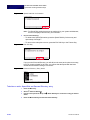
2
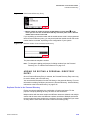
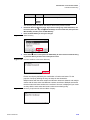
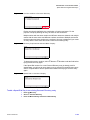
Lift out the line key panel and to remove it from the phone.
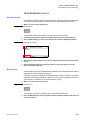
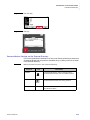
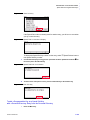
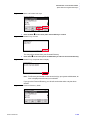
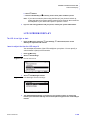
3
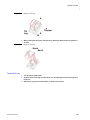
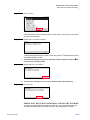
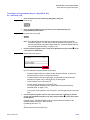
If you also need to remove the Button Panel, repeat steps 1 and 2 with the Button Panel
on the phone.
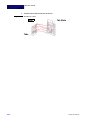
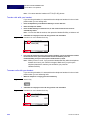
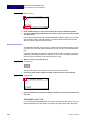
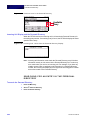
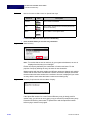
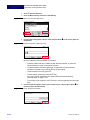
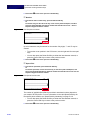
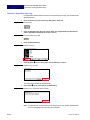
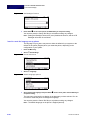
4
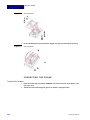
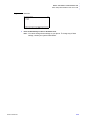
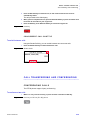
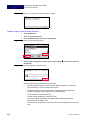
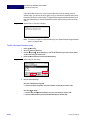
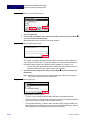
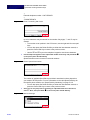
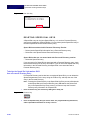
Remove the Line Key Card.
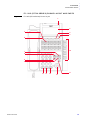
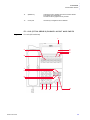
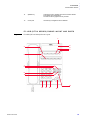
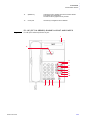
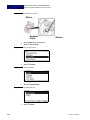
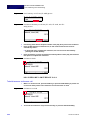
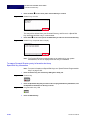
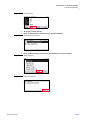
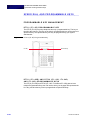
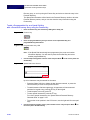
Figure 2.16 Line Key Card Removal
Line Key
Panel
Button
Panel
Line Key Card
2-32
DT700 User Manual