1
DATA ANALYSER
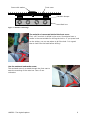
The Unipro Data Analyser is the perfect companion for your Laptimer. It is the fastest way to
getting data out of the Laptimer, with the possibility to print the data, or view them while the
driver is on the track.
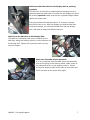
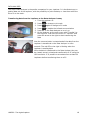
Transferring data from the Laptimer to the Data Analyser is easy
1. Turn the Laptimer on.
2. Press
to change to pit mode
3. Press
again to change to PC mode
4. Press
to enable the infrared communication
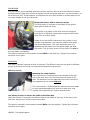
5. Press OK on the Data Analyser to turn it on
6. On the Analyser go the main menu with “Transfer” as
the top point. Just move the cursor to “Transfer” and
press the arrow to the right to start transferring the
data
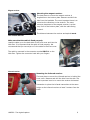
Now the communication is started and all the data from the
Laptimer is transferred to the Data Analyser in a few
seconds. The red LED to the right is blinking when the
Laptimer is sending data.
After the data is transferred to the Data Analyser they can
be viewed, stored, printed and transferred to a PC using the
USB connector. It is possible to store data from at least 50
Laptimers before transferring them to a PC.
UNIPRO – The original Laptimer
18