1
terminal/computer and keyboard.
3. Turn the terminal/computer power on.
4. The scanner will beep a tone after connected.
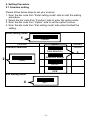
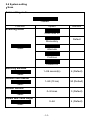
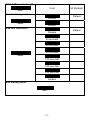
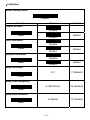
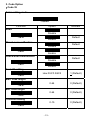
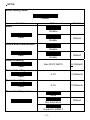
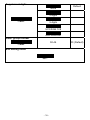
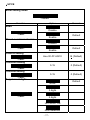
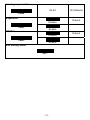
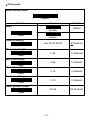
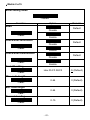
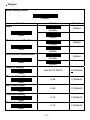
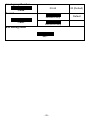
5. Set the scanner to keyboard wedge setting. (Please refer to section
2.1)
6. Scan any bar code to ensure the scanner completed setting.
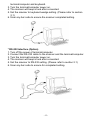
* RS-232 interface (Option)
1. Turn off the power of terminal/computer.
2. Connect the RS-232 cable to the scanner and the terminal/computer.
3. Turn the terminal/computer power on.
4. The scanner will beep a tone after connected.
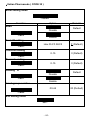
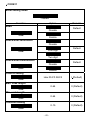
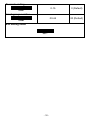
5. Set the scanner to RS-232 setting. (Please refer to section 2.1)
6. Scan any bar code to ensure for completed setting.
-4-