1
Finding a Client
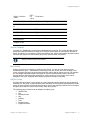
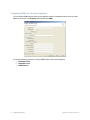
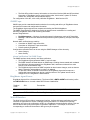
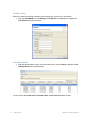
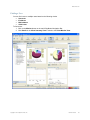
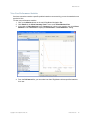
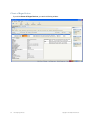
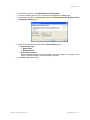
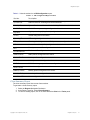
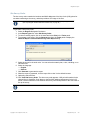
When the network level polling is disabled, do the following to monitor one or more clients:
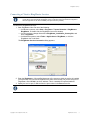
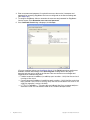
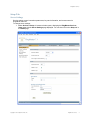
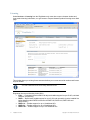
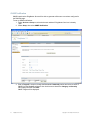
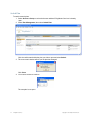
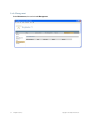
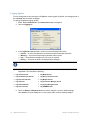
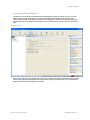
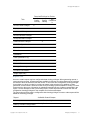
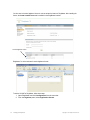
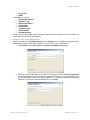
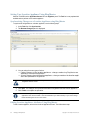
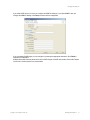
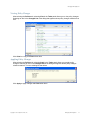
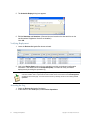
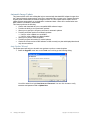
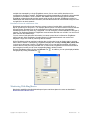
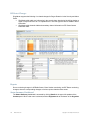
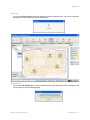
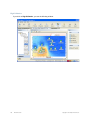
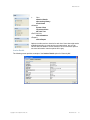
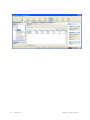
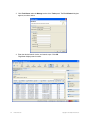
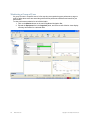
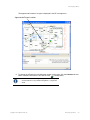
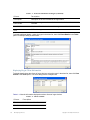
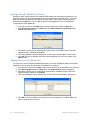
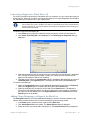
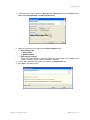
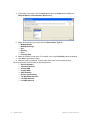
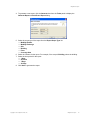
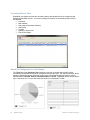
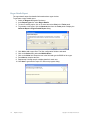
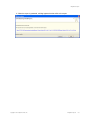
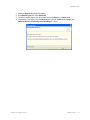
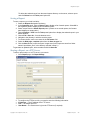
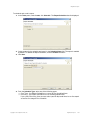
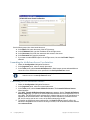
1. From the Client Monitor, choose Manage > Find Clients in the Task panel to display the
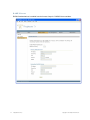
Find Clients dialog (shown below).
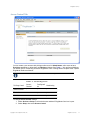
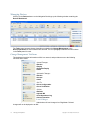
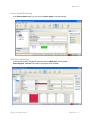
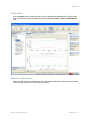
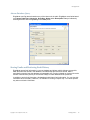
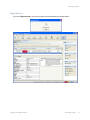
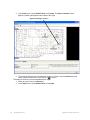
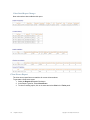
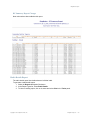
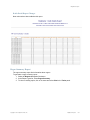
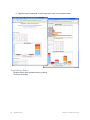
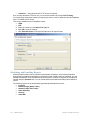
Find Client Results
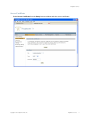
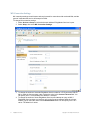
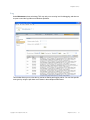
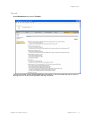
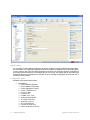
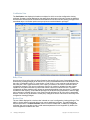
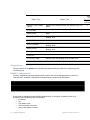
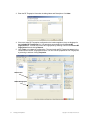
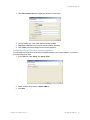
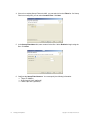
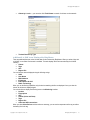
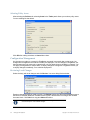
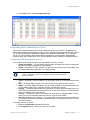
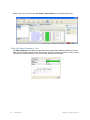
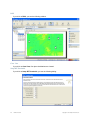
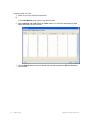
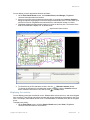
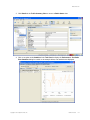
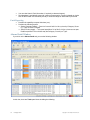
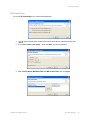
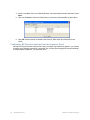
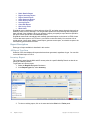
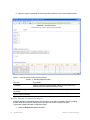
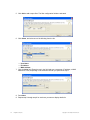
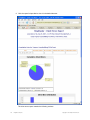
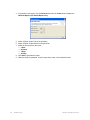
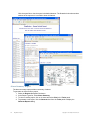
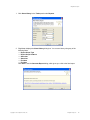
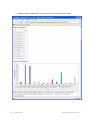
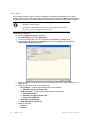
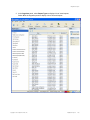
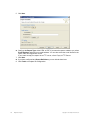
2. Enter the desired search criteria, select the search scope, and click Next to display the Find
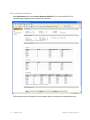
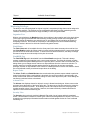
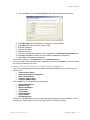
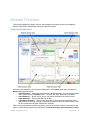
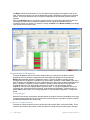
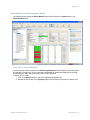
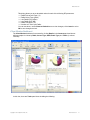
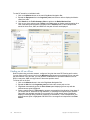
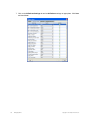
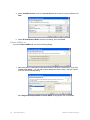
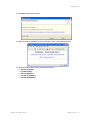
Client(s) Result screen (shown below).
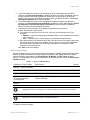
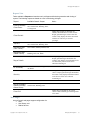
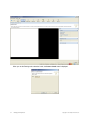
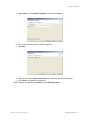
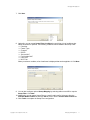
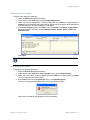
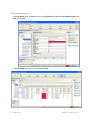
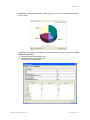
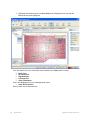
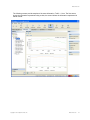
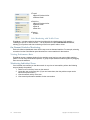
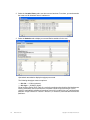
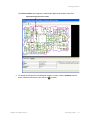
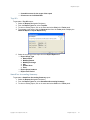
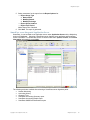
You can access the Locate Client, Terminate Client, and RF Link Test options as well.
114
Monitor Function
Copyright © 2011, Juniper Networks, Inc.