1
RingMaster Services
User Groups
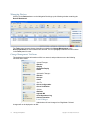
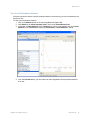
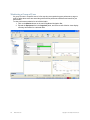
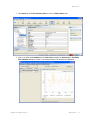
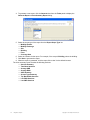
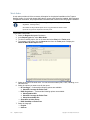
User Groups are created in the Add User Group section of the Setup > Access Control page for
configuring view restriction rules for Monitoring Users. View restriction rules are configured only for the
current plan. These rules are not applied when switching to a different plan.
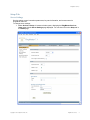
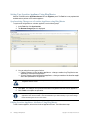
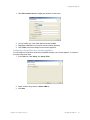
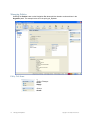
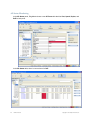
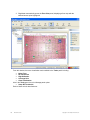
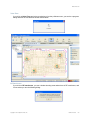
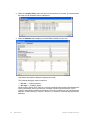
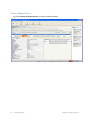
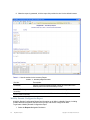
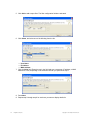
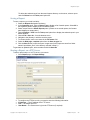
The following new fields are added to the Add User section of the Setup Access Control page as
well as the Edit User Info popup window.
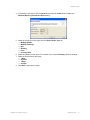
These fields are enabled when Monitoring Users are specified:
❑
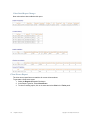
A check box for view restriction.
❑
Scope Type Combo box that allows a user to select a restriction scope type. Site and Building
are the only two supported scope types in the 7.0 release.
❑
Scope Instance Combo box that shows all the related instances of the selected scope type.
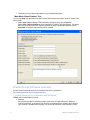
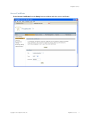
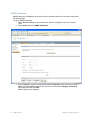
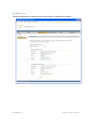
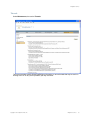
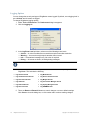
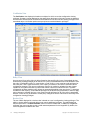
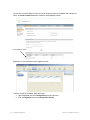
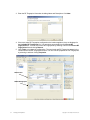
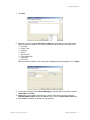
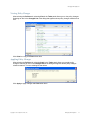
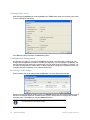
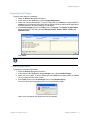
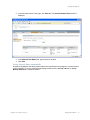
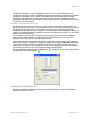
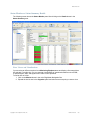
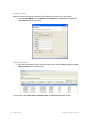
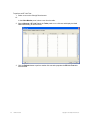
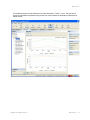
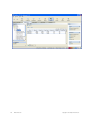
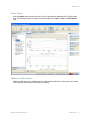
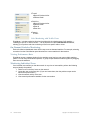
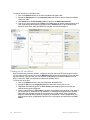
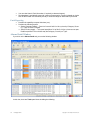
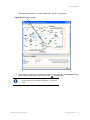
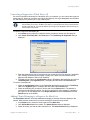
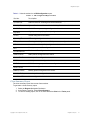
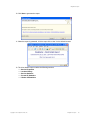
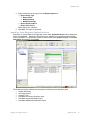
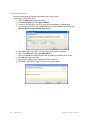
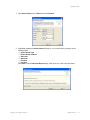
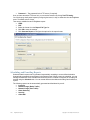
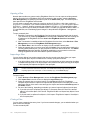
The following is a screen shot showing the Access Control > User Groups window containing these
new fields:
Copyright © 2011, Juniper Networks, Inc.
RingMaster Services
21