1
Chapter 7: SmartMetrics Testing
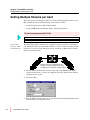
Setting Multiple Streams per Card
7
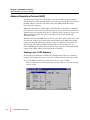
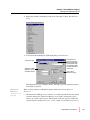
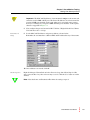
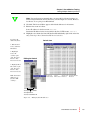
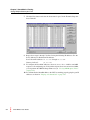
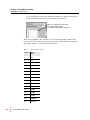
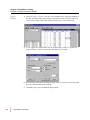
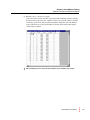
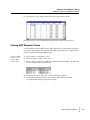
Click the Close button and view the 20 streams for port 5 in the Transmit Setup window. Click OK.
8
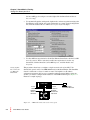
Repeat above steps 1 through 7 for Port 5 using the following IP addresses. Use the
Port 5 addresses for Destination IP addresses.
Port 5 Stream IP addresses: 20.0.0.005 through 20.0.0.024
20.0.0.100
Gateway for Port 5:
9
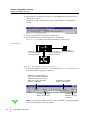
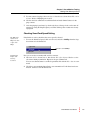
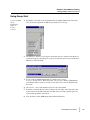
To configure the Dest MAC addresses, choose Actions > Layer 3 ARP to send ARP
requests to all configured ports. To check that all ports have sent and received ARPs,
you can perform the ARP Exchange Times test (see “Viewing ARP Response Times”
on page 185).
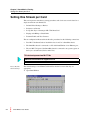
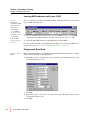
10 To confirm that the SmartBits links to the DUT are working properly, ping the port IP
addresses as shown in “Pinging each SmartCard” on page 150.
154
SmartWindow User Guide