1
Chapter 19: Configuration Statements
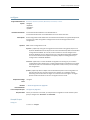
rollback
Supported Platforms
Syntax
Release Information
Description
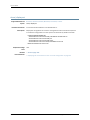
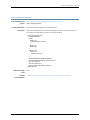
EX Series, LN Series, M Series, MX Series, QFX Series, T Series
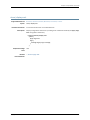
rollback <number | rescue>
Command introduced before Junos OS Release 7.4.
Command introduced in Junos OS Release 11.1 for the QFX Series.
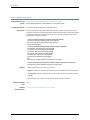
Return to a previously committed configuration. The software saves the last 50 committed
configurations, including the rollback number, date, time, and name of the user who
issued the commit configuration command.
The currently operational Junos OS configuration is stored in the file juniper.conf, and the
last three committed configurations are stored in the files juniper.conf.1, juniper.conf.2,
and juniper.conf.3. These four files are located in the directory /config, which is on the
router’s flash drive. The remaining 46 previous committed configurations, the files
juniper.conf.4 through juniper.conf.49, are stored in the directory /var/db/config, which
is on the router’s hard disk.
During rollback, the configuration you specify is loaded from the associated file. Only
objects in the rollback configuration that differ from the previously loaded configuration
are marked as changed (equivalent to load update).
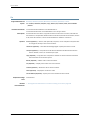
Options
none (Optional)—Return to the most recently saved configuration.
number—(Optional) Configuration to return to. The range of values is from 0 through 49.
The most recently saved configuration is number 0, and the oldest saved configuration
is number 49. The default is 0.
rescue—(Optional) Return to the rescue configuration.
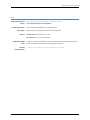
Required Privilege
Level
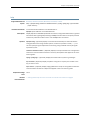
Related
Documentation
rollback—To roll back to configurations other than the one most recently committed.
•
Returning to a Previously Committed Junos OS Configuration on page 293
•
Creating and Returning to a Rescue Configuration on page 297
Copyright © 2014, Juniper Networks, Inc.
195