1
Chapter 26: Troubleshooting Procedures
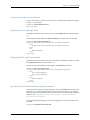
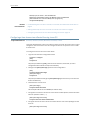
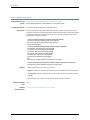
Related
Documentation
•
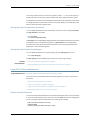
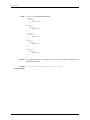
Returning to the Most Recently Committed Junos Configuration on page 293
•
Loading a Configuration from a File on page 129
•
Specifying Filenames and URLs on page 219
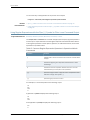
Creating and Returning to a Rescue Configuration
Supported Platforms
EX Series, M Series, MX Series, PTX Series, QFX Series, SRX Series, T Series
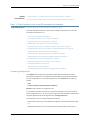
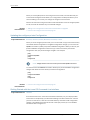
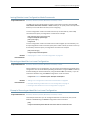
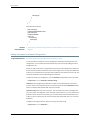
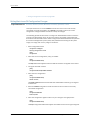
A rescue configuration allows you to define a known working configuration or a
configuration with a known state that you can roll back to at any time. This alleviates
the necessity of having to remember the rollback number with the rollback command.
You use the rescue configuration when you need to roll back to a known configuration
or as a last resort if your router or switch configuration and the backup configuration files
become damaged beyond repair.
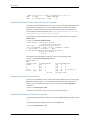
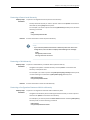
To save the most recently committed configuration as the rescue configuration so that
you can return to it at any time, issue the request system configuration rescue save
command:
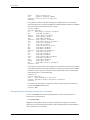
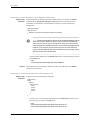
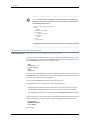
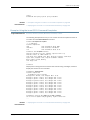
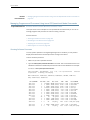
user@host> request system configuration rescue save
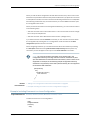
To return to the rescue configuration, use the rollback rescue configuration mode
command:
[edit]
user@host# rollback rescue
load complete
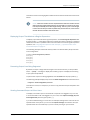
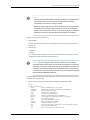
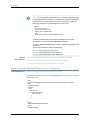
NOTE: If the rescue configuration does not exist, or if the rescue configuration
is not a complete, viable configuration, the rollback command fails, an error
message appears, and the current configuration remains active.
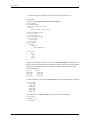
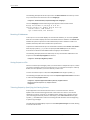
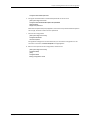
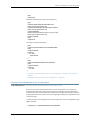
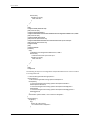
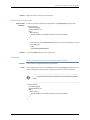
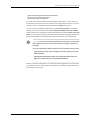
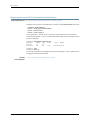
To activate the rescue configuration that you have loaded, use the commit command:
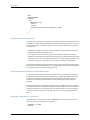
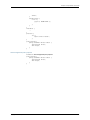
[edit]
user@host# rollback rescue
load complete
[edit]
user@host# commit
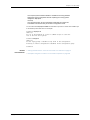
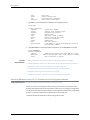
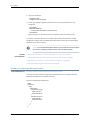
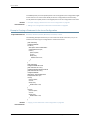
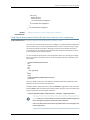
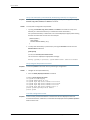
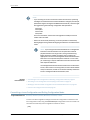
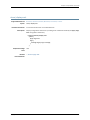
To delete an existing rescue configuration, issue the request system configuration rescue
delete command:
user@host> request system configuration rescue delete
user@host>
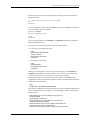
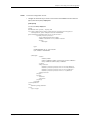
For more information about the request system configuration rescue delete and request
system configuration rescue save commands, see CLI Explorer.
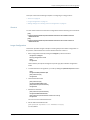
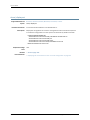
Related
Documentation
•
Comparing Configuration Changes with a Prior Version on page 295
Copyright © 2014, Juniper Networks, Inc.
299