1
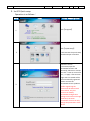
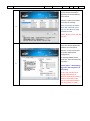
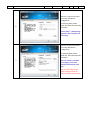
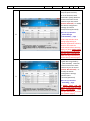
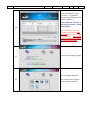
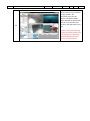
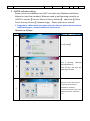
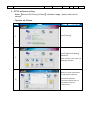
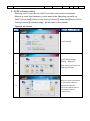
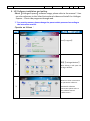
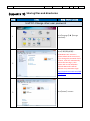
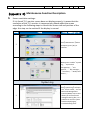
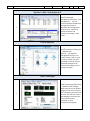
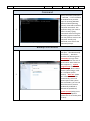
No.01 UniPCC-Quick-User-Guide Language: Trad-Chinese Version: 3.0 Page: 20/28 《Appendix 2》Sharing files and directories Step Icon Step Description UniPCC-Change other user password 1 Click【Settings】【Change Password】 。 Click【管理其他帳號】。 2 ※Windows User account is system default local account use, if you change the password of this account, it will not automatically lead to the boot log in, then please refer to the link below illustrate Microsoft's official website set up automatic login. http://support.microsoft.com/kb/9 74502/zh-tw 3 Click【Share】account