1
Chapter 6 - OS Setup
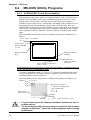
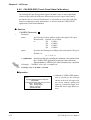
Start-up
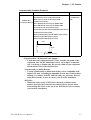
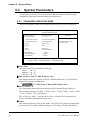
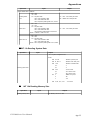
KEYEM_PL [Parameter] [↵] or KEYEM_PL-r [↵]
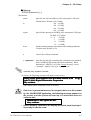
* Parameters
-0[=][External Key Definition File]
Specifies the external key definition.
-2
Displays the graphical keyboard in 2- level mode.
-i<n>
tions.
Sets the software interrupt vector number when calling up funcHexadecimal, Default: n=59
-F
Displays the graphical keyboard in 16-level mode.
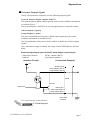
-T[=]n
Specifies the software interrupt vector number used for the Touch
Panel function calling.
(Hexadecimal, Default: n=59)
-r
Cancel the resident command.
• Normally parameter specification is not necessary. (Use the default).
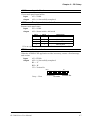
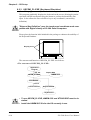
At startup, the following message will appear on the screen.
Keyboard Emulator KEYEM_PL.EXE Version X.XX
Copyright (C) 2000 Digital Electronics Corporation
Stay resident.
After startup, these commands reside in memory.
Functions
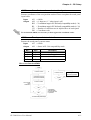
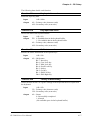
KEYEM_PL.EXE includes the following functions and perform the function calls
using the software interrupt (INT 16h).
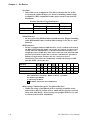
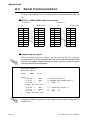
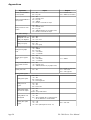
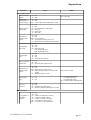
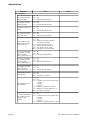
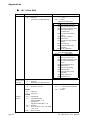
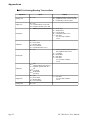
<INT16h Function List>
Function Code
00h
01h
02h
05h
10h
11h
12h
A000h
A001h
FE00h
6-16
Contents
Key input data read
Key input data check
Shift status read
Keyboard data write
Key input data read (AX keyboard)
Key input data check (AX keyboard)
Shift status read (AX keyboard)
Keyboard Emulation startup
Keyboard Emulation interrupt
Resident Check
PL-5900 Series User Manual