1
SmartScript User Manual Chapter 3
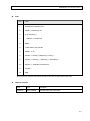
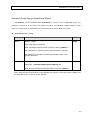
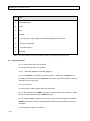
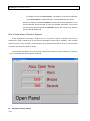
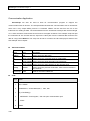
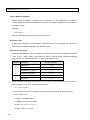
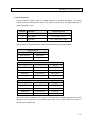
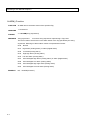
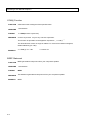
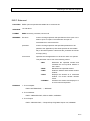
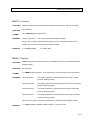
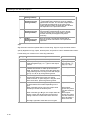
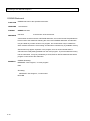
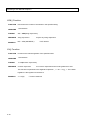
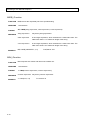
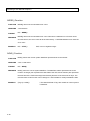
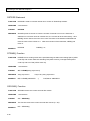
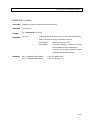
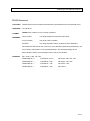
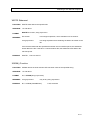
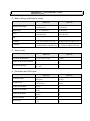
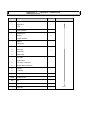
Two panel files are used in this example: WKS1.PNL(The root panel) and SUBPANEL.PNL. Their
settings are as follows:
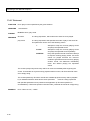
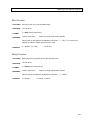
WKS1.PNL
Object
Properties
TAG
Description
Button
Caption: Open Panel
OpenPnl
Pressing the button will set the
value of OpenPnl to 1.
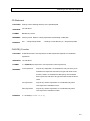
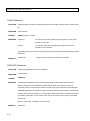
PopMacro
X: 0
Y: 0
Width: 10000
Height: 8500
OpenPnl
When OpenPnl is 1, a panel file
subpanel.pnl will be opened.
When OpenPnl is 0, the panel
will be closed.
Panel File: ~1\subpanel.pnl
Style: Child Window
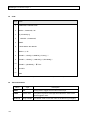
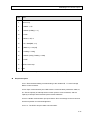
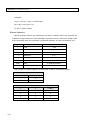
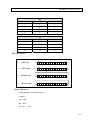
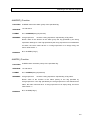
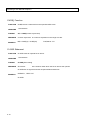
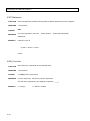
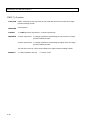
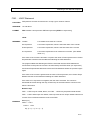
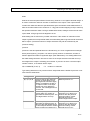
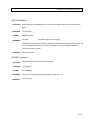
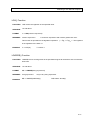
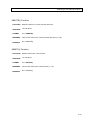
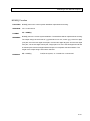
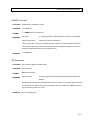
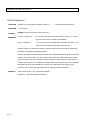
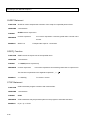
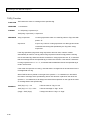
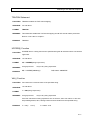
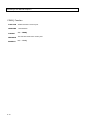
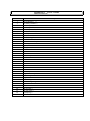
SUBPANEL.PNL
Object
Properties
TAG
Description
StaticText
Caption: Accu. Open Time
Show the text “Accu.
Open Time”
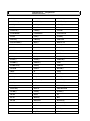
StaticText
Caption: Hours
Show the text “Hours”
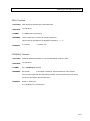
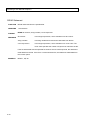
StaticText
Caption: Minutes
Show the text
“Minutes”
StaticText
Caption: Seconds
Show the text
“Seconds”
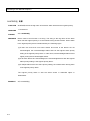
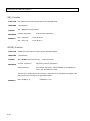
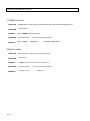
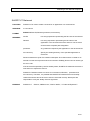
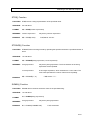
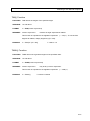
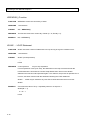
TextMeter
Dec. Digit: 0
OpenHour
Show the hour part of
the accumulated time
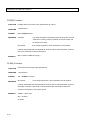
TextMeter
Dec. Digit: 0
OpenMin
Show the minute part
of the accumulated
time
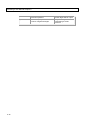
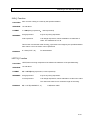
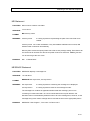
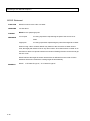
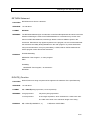
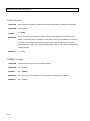
TextMeter
Dec. Digit: 0
OpenSec
Show the second part
of the accumulated
time
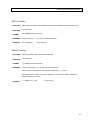
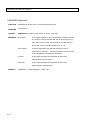
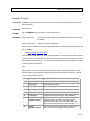
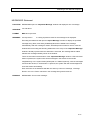
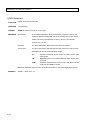
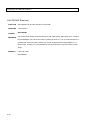
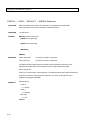
TextMeter
File: CONTROL.EXE
OpenPnl
Run the specified
script when OpenPnl
is 1
Parameters: ..\PROJECT\PROJ1\C
SL\OPENTIME.CSL /R
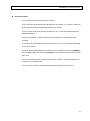
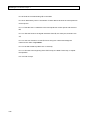
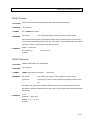
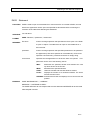
Note: Script files are stored under the CSL subfolder of the project. The project name is PROj1 and
the script file name is “OPENTIME.csl “in this example.
3-17