1
Typesetting concepts
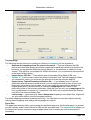
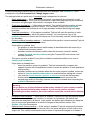
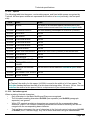
It is possible to define up to 9 different telltales by using the Assign content to data telltale mapping
property. The telltales are independent, so defining one does not affect the others.
A telltale is set for the first page on which it appears and for all following pages until it is replaced or
cancelled by the Cancel data telltale property.
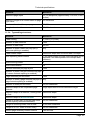
A header or footer mapping can extract various information about the telltale values on a page,
such as whether a value was defined before the page started, the last value defined on the page,
and so on.
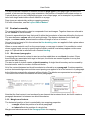
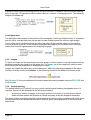
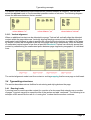
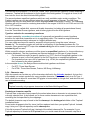
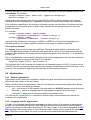
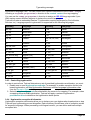
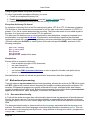
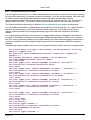
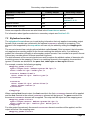
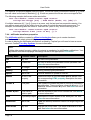
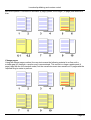
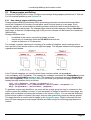
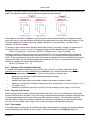
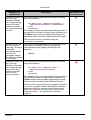
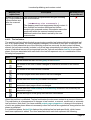
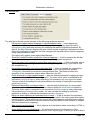
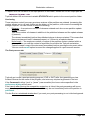
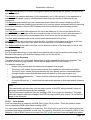
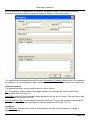
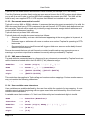
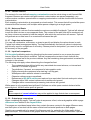
One possible use of telltales is where the content consists of alphabetically-ordered items. By
setting a telltale for each item a header can show the first and last items on each page as shown in
the following example.
3.4.3 Notes
It is a common requirement to place a piece of content outside the normal flow of the text, optionally
with a small marker to alert the reader to its presence. This allows the reader to locate it if
necessary without interrupting the flow of the main content. TopLeaf uses the term note to describe
this type of material.
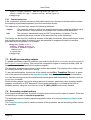
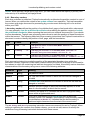
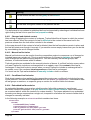
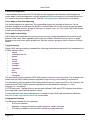
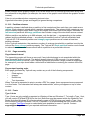
There are several types of notes, distinguished by where the content of the note is displayed:
•
the content of a column footnote is displayed at the bottom of a text column.
•
the content of a page footnote is displayed at the bottom of a page.
•
the content of a sidenote appears alongside the place where it is referenced.
•
the content of an endnote appears at the end of the document, or at the end of part of the
document (for example, at the end of a chapter).
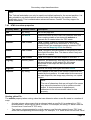
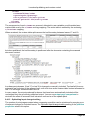
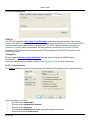
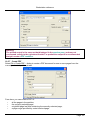
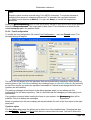
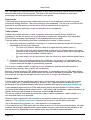
Footnotes and sidenotes are assigned by using mapping properties found on the Content tab.
There is no direct support for endnotes, but these can be created as described below.
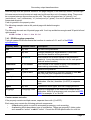
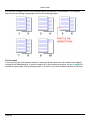
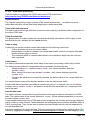
Footnote types
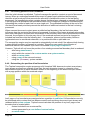
The distinction between column and page footnotes is most apparent in a multi-column layout.
Page 19