1
7.3 Merchant Logo
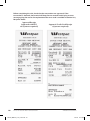
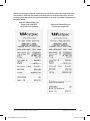
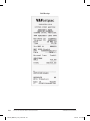
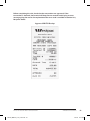
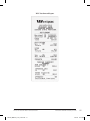
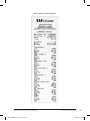
You have an option to have your Business or Company Logo displayed on your terminal(s).
To display your logo on the terminal you will need to provide the Bank with a copy of the logo
in the following format:
●●
Bitmap file
●●
Monochrome format
●●
128 pixels wide x 60 pixels high
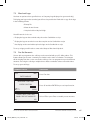
You will have the choice to:
●●
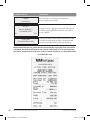
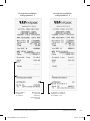
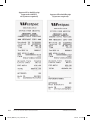
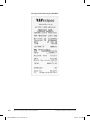
Display the logo on the terminal and print on the Cardholder receipt
●●
Display the logo on terminal screen but not print on the Cardholder receipt
●●
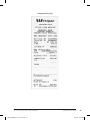
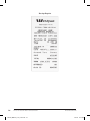
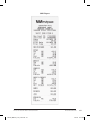
Not display on the terminal but print the logo on the Cardholder receipt
To set up a logo you will need to contact the Westpac Merchant Helpdesk.
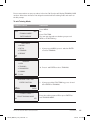
7.4 Pre-Set Amounts
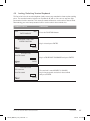
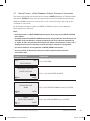
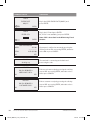
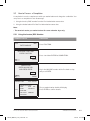
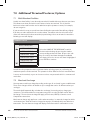
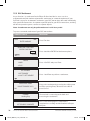
You are able to programme the soft keys on the terminal with specific dollar values. This
feature allows you to enter commonly used values at the touch of a button. The amounts
will be displayed on the screen next to the soft keys. You can programme up to six different
amounts. Pressing the soft keys multiple times allows cumulative values to be added also.
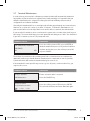
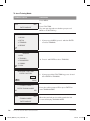
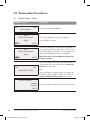
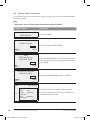
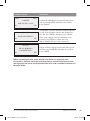
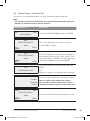
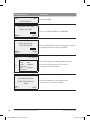
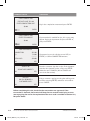
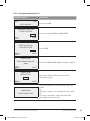
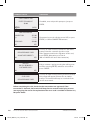
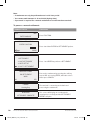
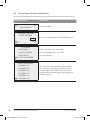
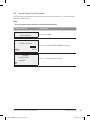
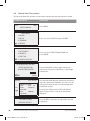
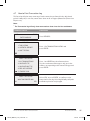
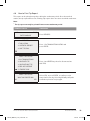
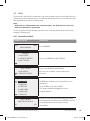
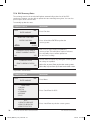
To set up your soft keys:
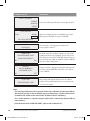
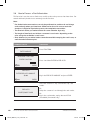
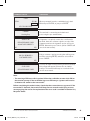
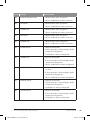
TERMINAL DISPLAY
DATETIME
ENTER AMOUNT
PROCEDURE
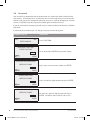
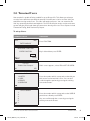
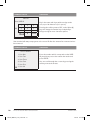
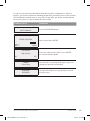
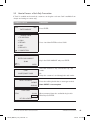
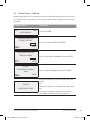
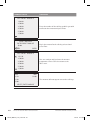
Press Function.
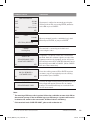
MERCHANT FUNCTION
ENTER FUNCTION
Press 45 and then ENTER for pre-set input function.
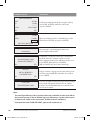
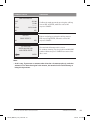
CLEAR
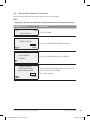
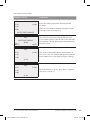
PRESET INPUT FUNCTION
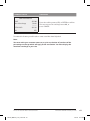
ENABLE PRE-SET AMOUNTS
Select YES or press Enter to enable preset amounts.
NOYES
EFTPOS PROFESSIONAL MOBILE GPRS USER GUIDE
281949_MBB041_0712_Inside.indd 67
ADDITIONAL TERMINAL FEATURES/OPTIONS
67
7/08/12 12:53 PM