1
19
Placement Screen
Submit an Application for Self-Placement
1.
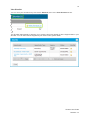
From your Home screen, scroll down to the Placement requirements section.
2.
In the Placement Requirement column, locate the applicable Unit Offering.
3.
From the Actions column, click Submit Self Placement.
The Register self placement registration form is displayed.
Student User Guide
Release: 3.4