1
BioMatch 2006 (Sagem Embedded) User Manual
Backing up the database
We strongly recommend the routine backing up of the database
through either one of these methods:
1. Backing up the files using SQL Server Management Studio
Express
2. Copying the two files to a secure place.
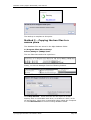
Method 1 - SQL backup
This method requires SQL Server Management Studio Express.
Please make sure this is installed before continuing.
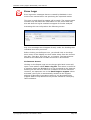
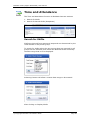
1. Stop the BioMatch Server.
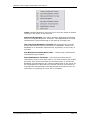
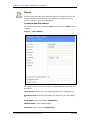
Run Server Manager from the following location.
Click Stop Service.
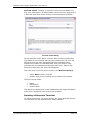
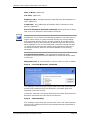
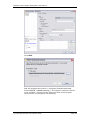
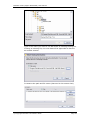
Open SQL Server Management Studio Express from the
following location.
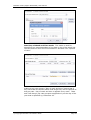
Click Connect.
© Copyright Biometric Innovations 2006
Page 50