1
PocketTouch
9.3
70
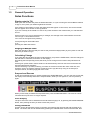
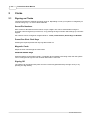
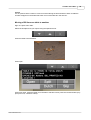
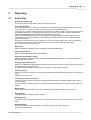
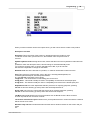
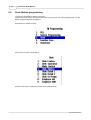
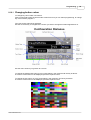
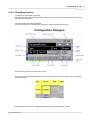
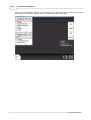
Sidebar Functions
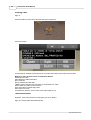
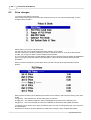
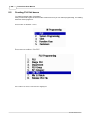
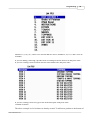
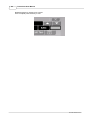
Configuration Side Bar
Sign On
Use the 4 digit secret sign on number from TouchPoint to log a cashier onto the device.
Sign Off
Signs off the current cashier.
Configuration
Allows some of the configuration options like host ip address to be entered.
Sync Till
Extracts the required program data from TouchPoint.
Receipt On/Off
Turns the automatic issuance of receipts after each sale on or off.
Information
Brings up the information dialog showing things like licence number, software version etc
Close Down
Exits the PocketTouch software
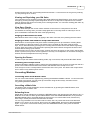
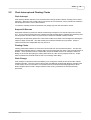
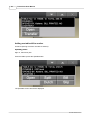
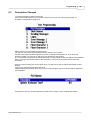
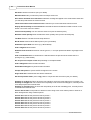
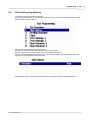
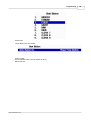
Finalisation Side Bar
Cash
Finalises the current sale as a tendered sale.
Send to Table
Opens the floor plan dialog so that the current sale can be sent to a table
Cancel Sale
Cancels and deletes the current active sale with no further processing
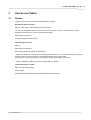
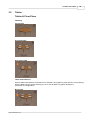
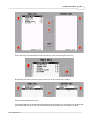
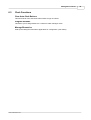
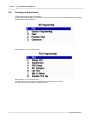
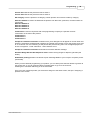
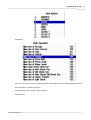
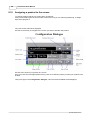
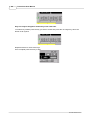
Table Side Bar
Open Table
Opens the floor plan dialog so that the contents of an active table can be extracted from the check
master
© 2012 ICRTouch LLP