1
Programming
50
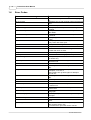
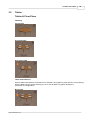
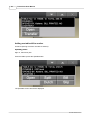
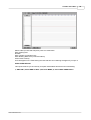
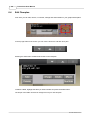
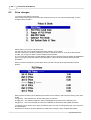
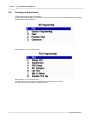
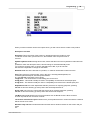
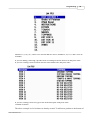
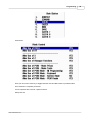
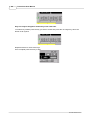
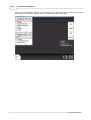
Numbers 1,2,3,4,5,6,7,8 and 12 are all lists that are in use, numbers 9,10,11,13 and 14 are all
available.
If you are adding, removing a product from a existing list arrow down to it and press enter.
If you are creating a new list arrow down to an available line and press enter.
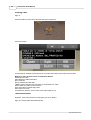
If you are creating a new list, type a title in the descriptor field press enter.
Continue as below
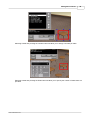
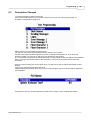
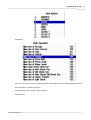
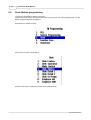
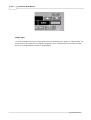
The above example is of a list that was already created. To add a new product to the bottom of
© 2012 ICRTouch LLP